
how to turn a product image into a video
How to Turn a Product Image Into a Video
A simple workflow for turning one product image into a short ecommerce video, including how to choose the image, prompt the motion, and judge the output.
Published 2026-06-29 / 7 min read
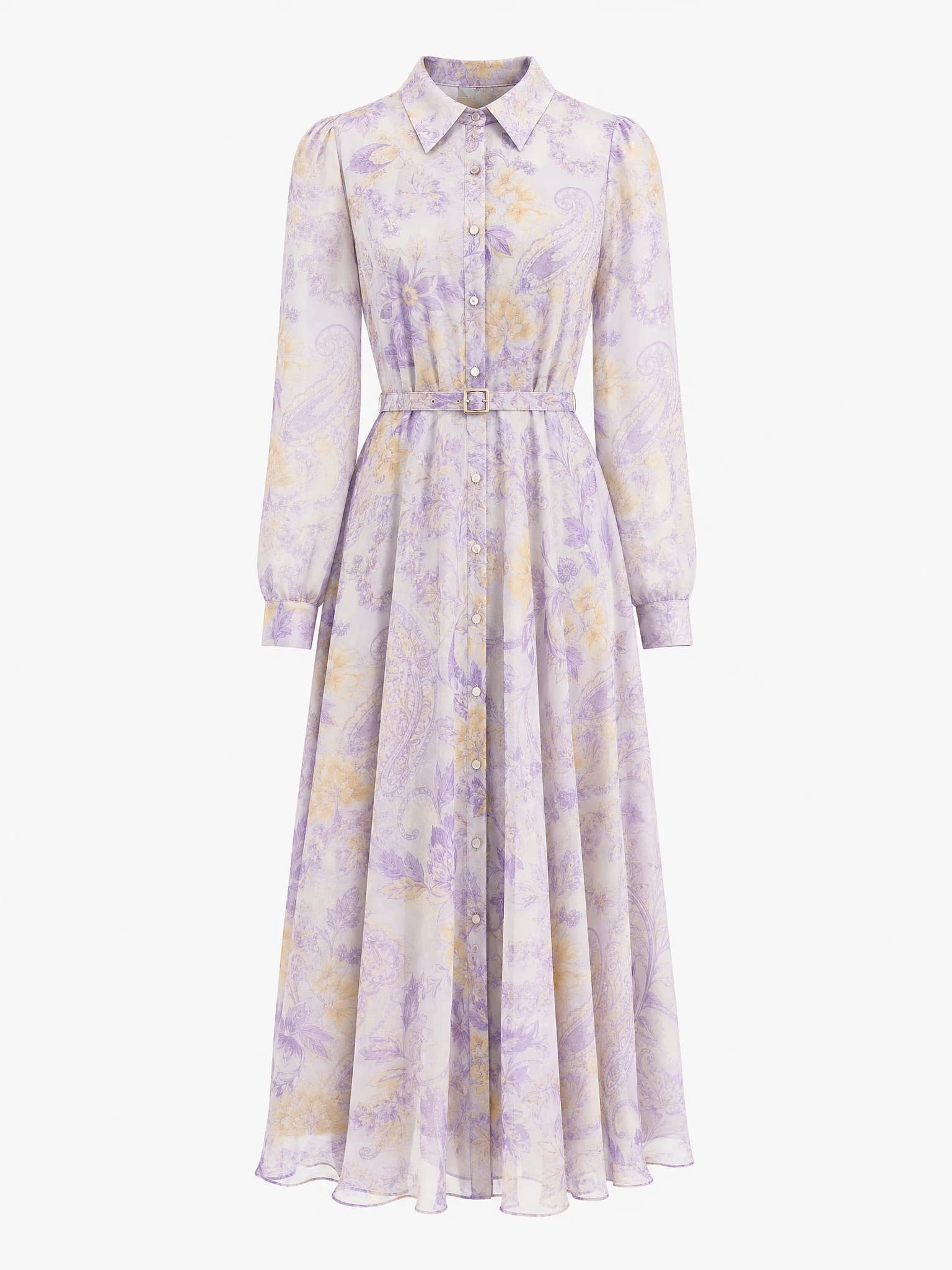
Clean product image
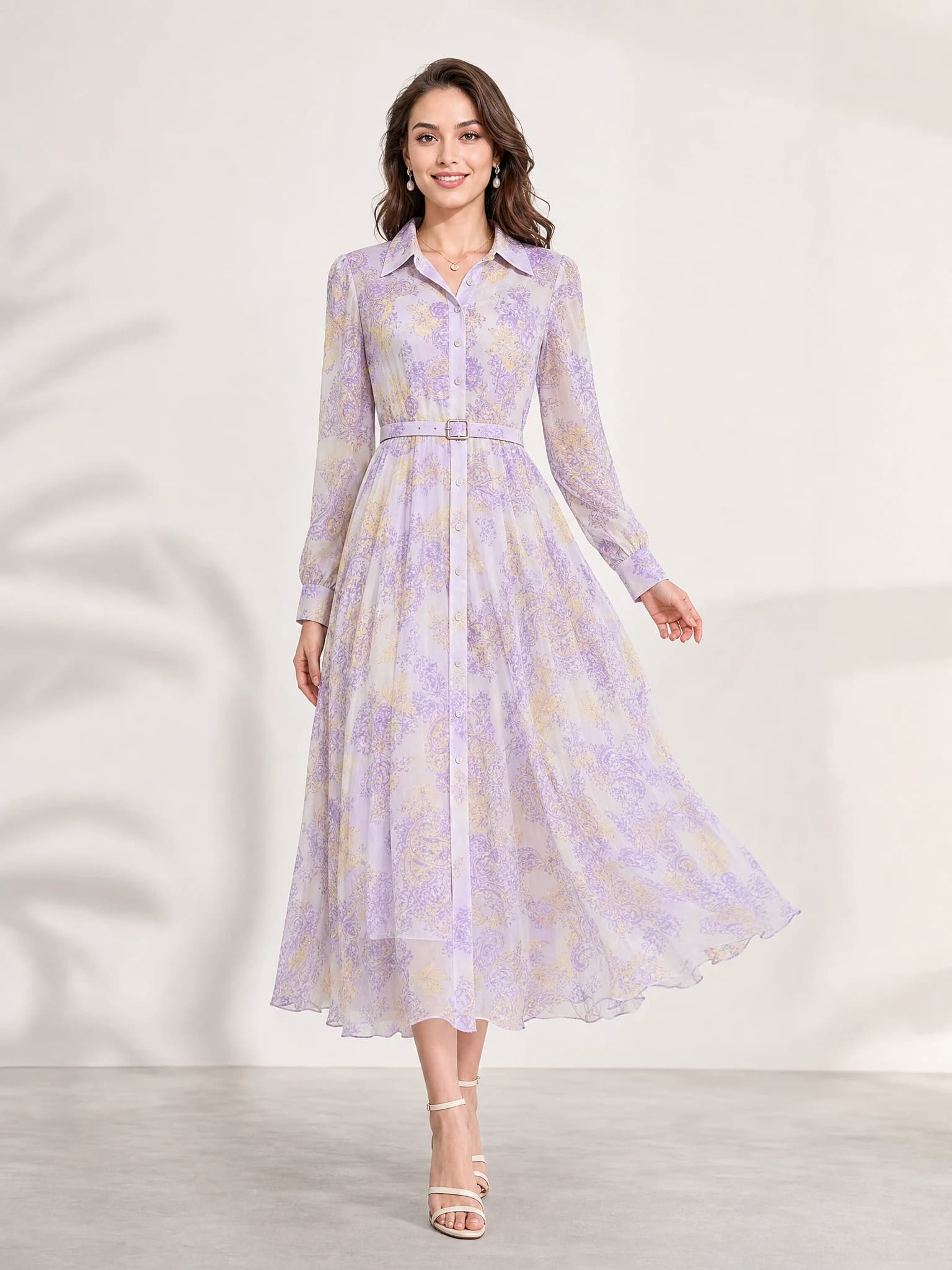
Listing-ready visual
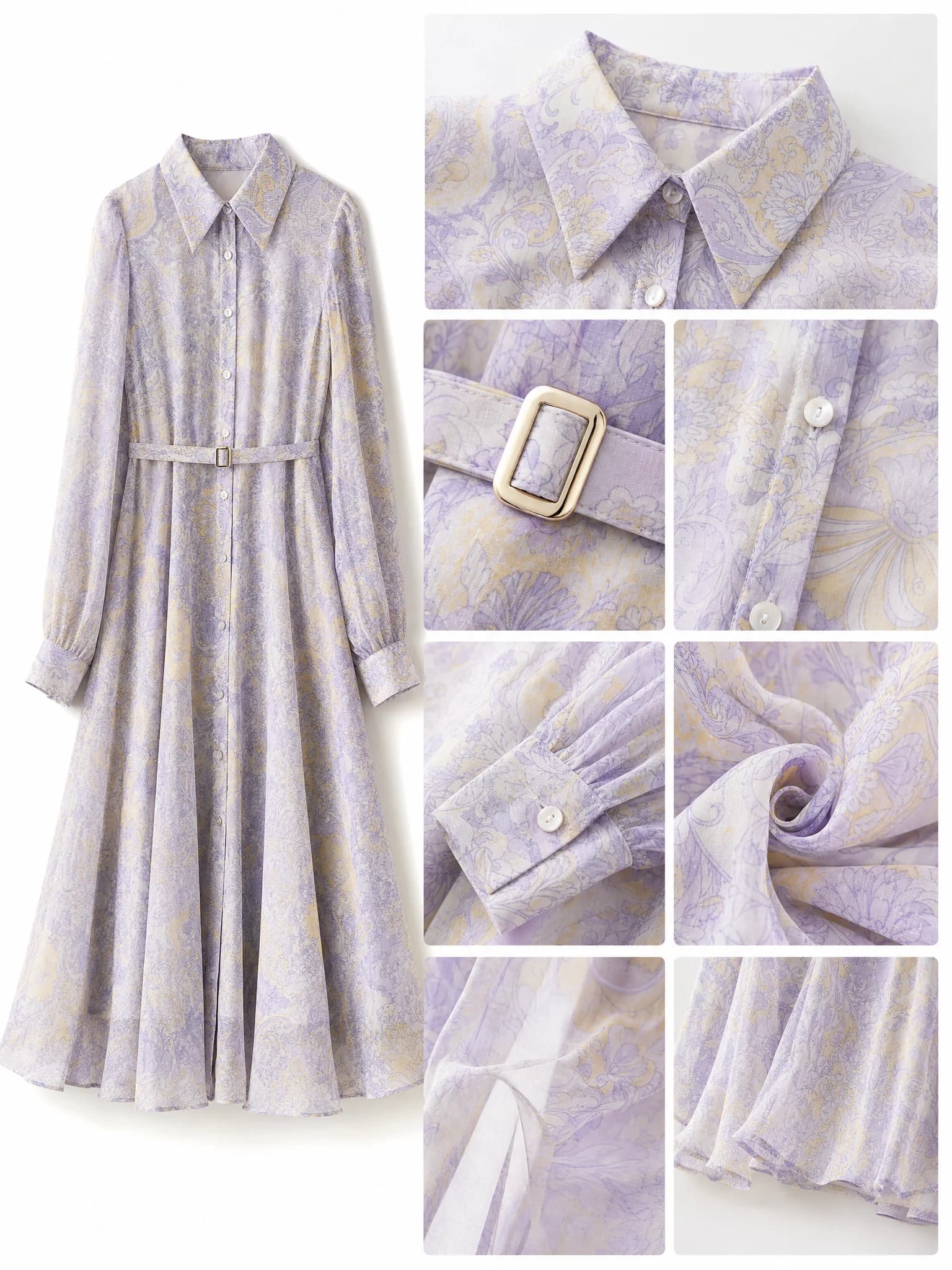
Feature-support image
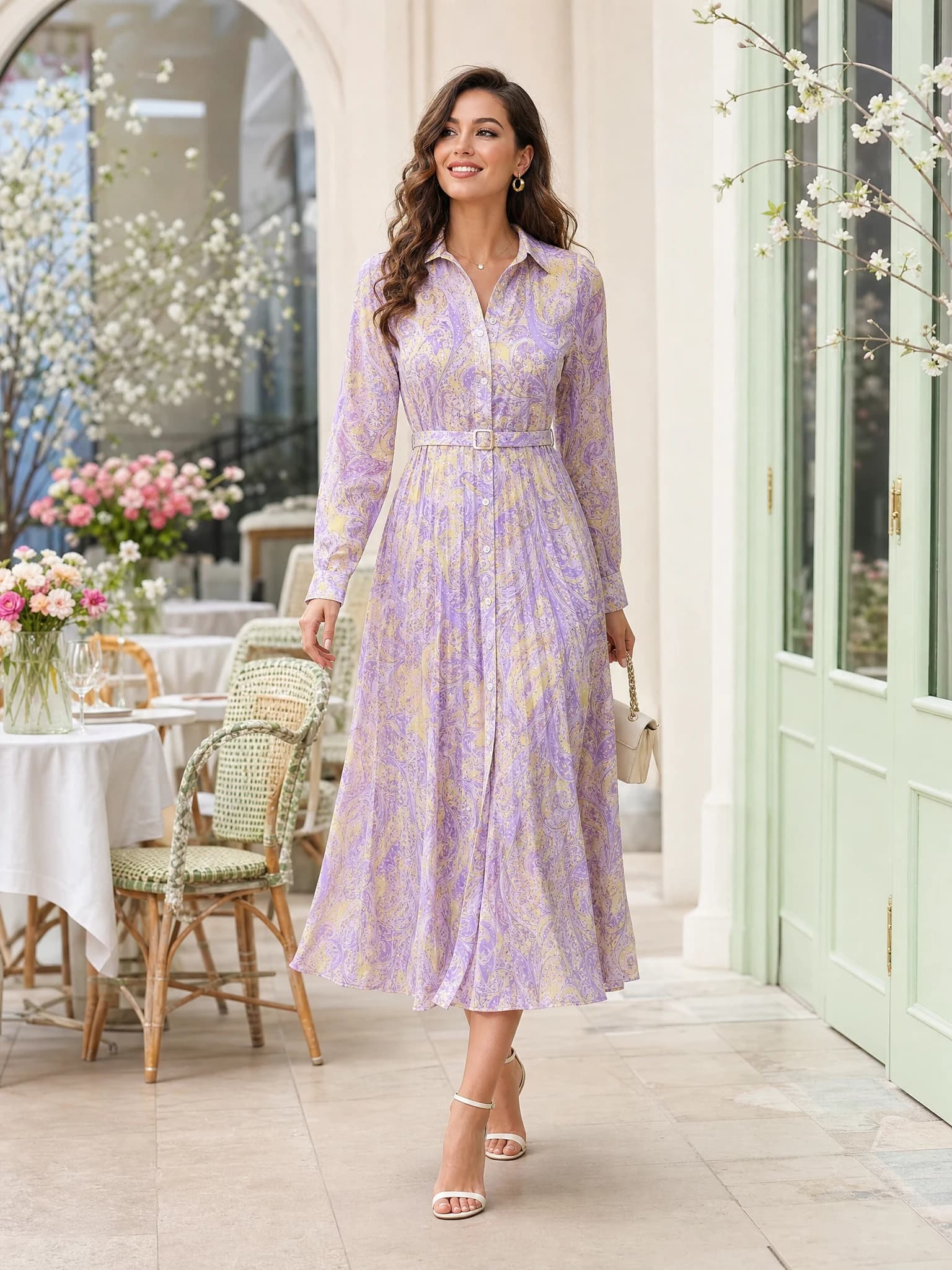
Lifestyle variation
Quick answer: choose a strong hero image first, define one clear movement, generate a short clip, and judge whether motion improves the product story more than the still image alone.
Step 1: Start with the right product image
The best product videos from one image start with a still image that already works. The product should be clear, centered enough to stay readable, and photographed with stable framing.
If the still image is weak, motion usually makes the weakness more obvious instead of fixing it.
Clear subject
The product should stand out from the background and remain easy to recognize.
Commercial framing
Use an image that already feels like a hero shot or product-led scene.
Minimal clutter
Avoid a background that competes with the product once the image starts moving.
Step 2: Choose one motion goal
Short ecommerce videos usually work best when there is one clear movement. That could be a push-in, a subtle orbit, a reveal, or a gentle subject motion that keeps the product readable.
Trying to combine too many moves often makes a short product video less usable.
Push-in
Good for hero emphasis and product-first launch clips.
Subtle orbit
Useful when you want a little depth without losing stability.
Reveal
Helpful for a simple announcement or feature-introduction moment.
Step 3: Prompt the video for ecommerce use
Keep the prompt short and practical. Name the movement, the mood, and the destination channel. For example, a product launch teaser for paid social needs a different framing choice than a website hero loop.
The prompt should support the product story, not overwhelm it.
Name the channel
Say whether the clip is for social, a landing page, or a paid ad test.
Keep the product central
Motion should guide attention toward the product instead of away from it.
Stay brief
Simple prompts usually produce more stable short commercial motion.
Step 4: Judge the result like a seller
The real test is not whether the clip looks cinematic. The real test is whether the motion makes the product more appealing, easier to understand, or more clickable for the intended surface.
Compare the short video against the original still image. If motion does not improve the selling story, keep the still.
FAQ about turning a product image into a video
Can I turn one product image into a video?
Yes. A strong image-to-video workflow can turn one clear product image into a short motion asset.
What kind of image works best?
Use a product image that already works as a hero visual, with clear framing and minimal clutter.
What motion should I ask for first?
Start with one simple movement such as a slow push-in or subtle orbit.
How do I know if the video is useful?
Compare it against the original still image and keep it only if motion improves the selling story.
Turn your best product image into motion
Open the free image-to-video workflow on Aurivis and test short product videos with Agnes Video 2.