
Free AI Image Generator
Agnes Image 2.1 Flash for Product Photos
Use Agnes Image 2.1 Flash on Aurivis to create free product photos, listing visuals, and ecommerce creatives without login.
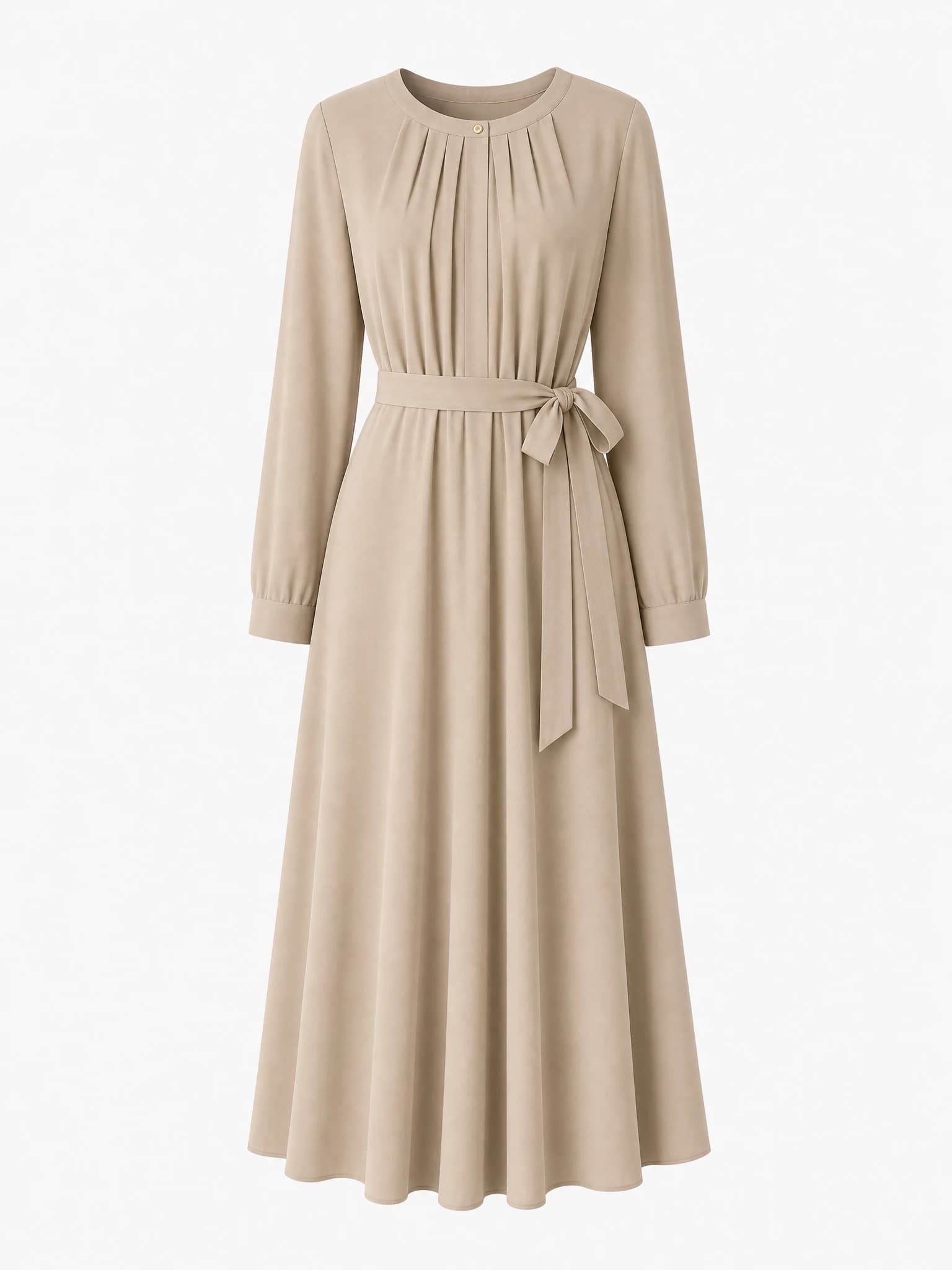
Agnes listing image
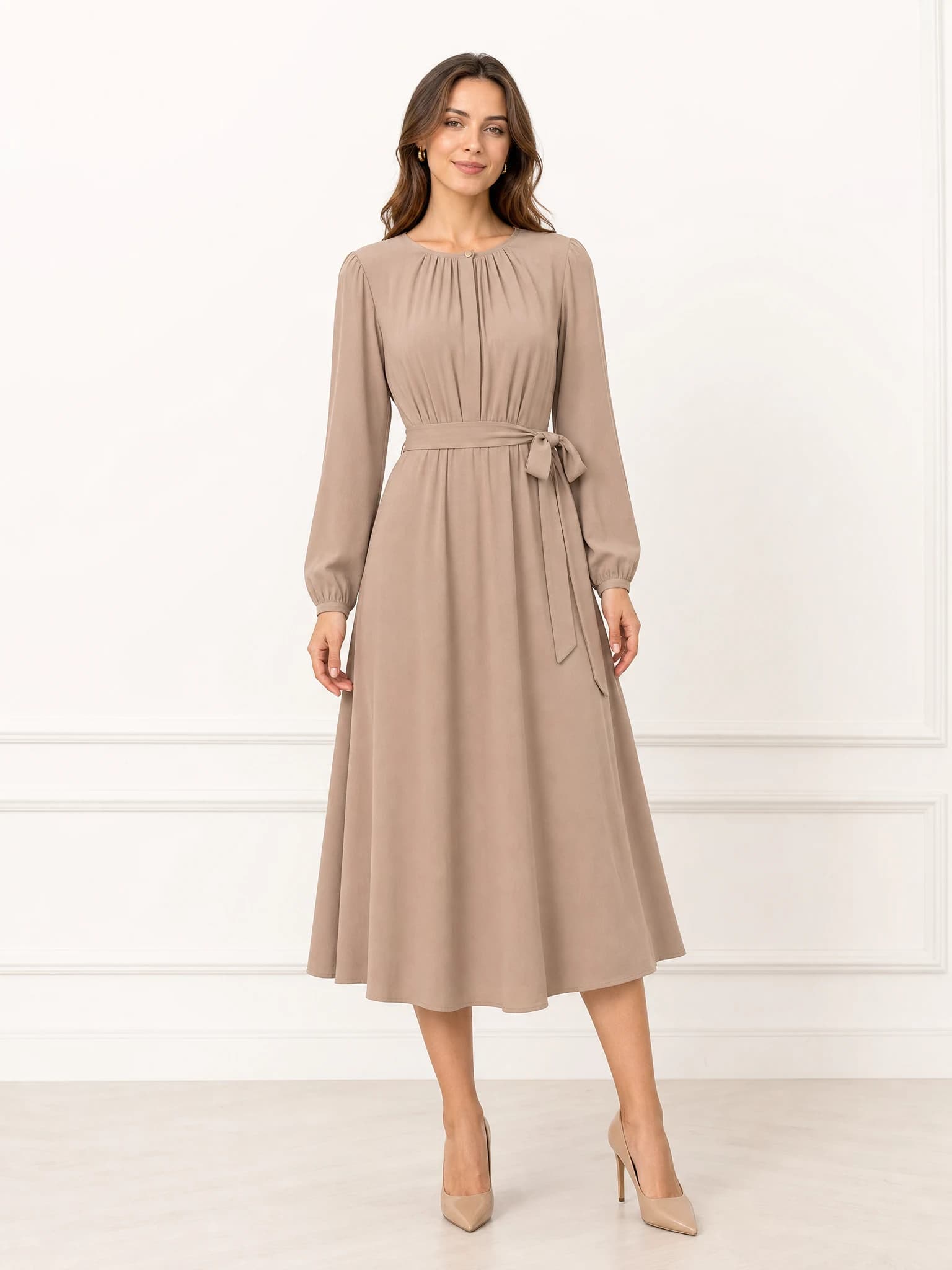
Agnes product scene
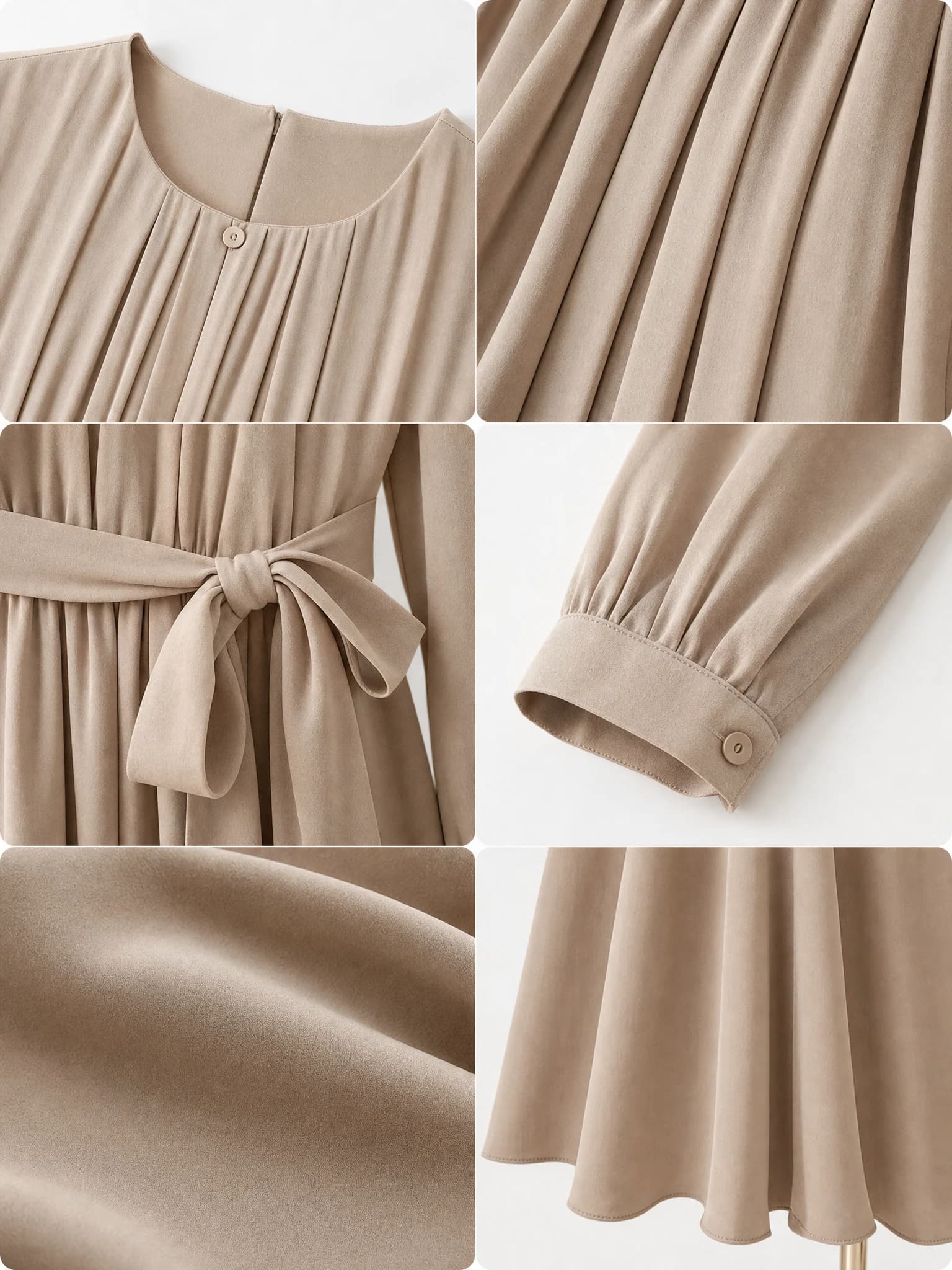
Agnes campaign visual
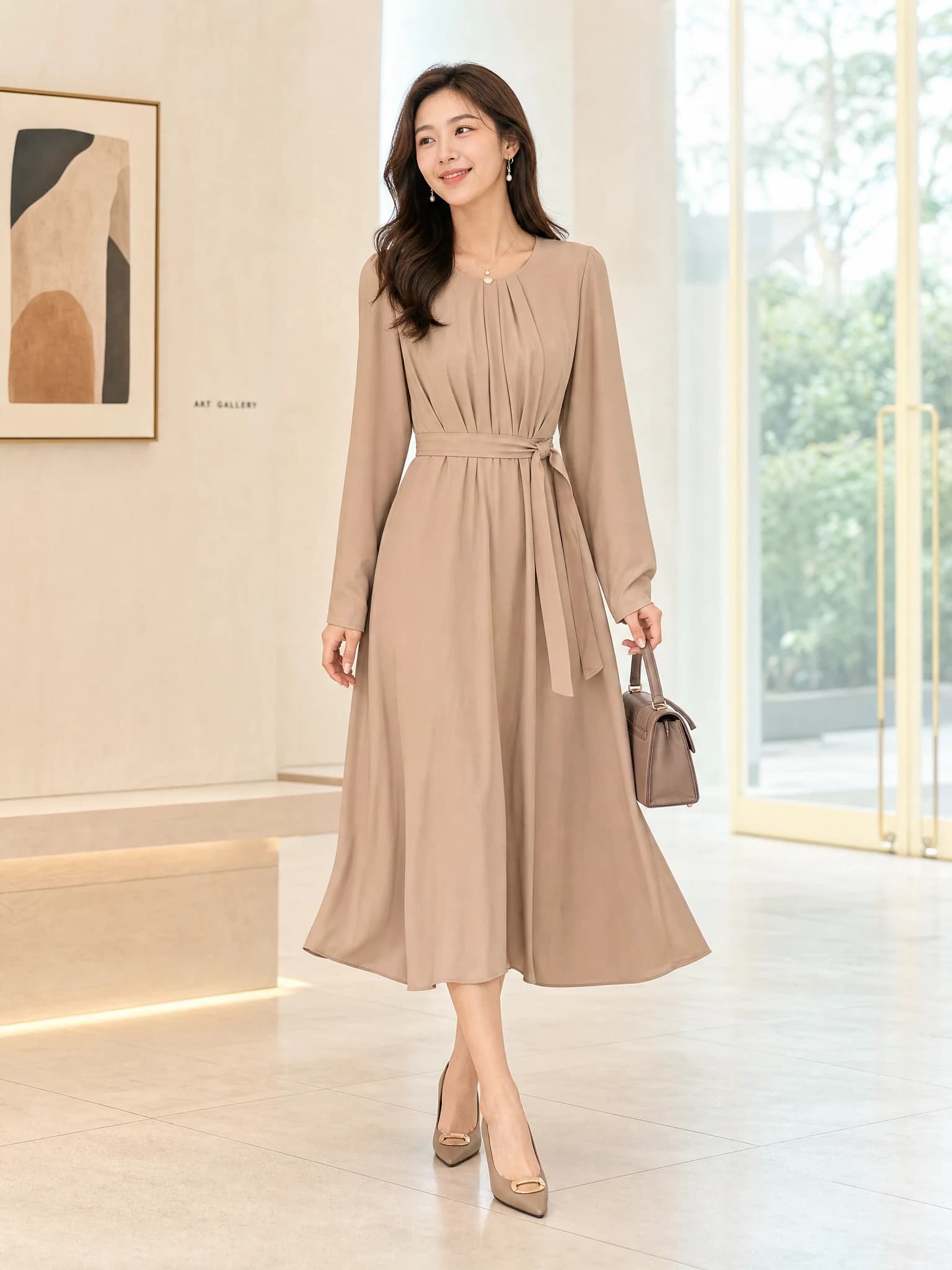
Agnes detail-page asset
Start with a product image or short brief, then generate multiple ecommerce visuals in one workspace.
Need a done-for-you pack instead?
Use one product image and get 12 ecommerce-ready visuals for listings, ads, and social. $12.9 one-time.
What Agnes Image 2.1 Flash is useful for on Aurivis
Agnes Image 2.1 Flash is the fastest path on Aurivis for users who want to generate commercial product visuals without account friction. It is a practical fit for product photos, ecommerce scenes, and ad-ready image concepts.
Because the workflow is free and no-login on Aurivis, it also works well as the first model users try before moving to other tools.
Fast product-image testing
Use it to check several visual directions before spending more time or budget.
Commerce-first output
The surrounding Aurivis workflow is tuned for listings, store pages, and ad assets.
Low-friction access
Visitors can reach the Agnes image workflow immediately without login.
Best use cases for Agnes Image 2.1 Flash
The model is strongest when the goal is clear product communication. That means hero images, clean scenes, selling-context variants, and early campaign drafts where speed matters more than complex art direction.
It is especially helpful for sellers who need more image coverage from the same product without rebuilding a shoot every time.
Hero and listing concepts
Generate product-forward visuals that can inform marketplace and PDP imagery.
Brand scene exploration
Test several lifestyle or premium settings around the same product.
Multi-channel assets
Reuse one product source across banners, social squares, and ad concepts.
Agnes Image 2.1 Flash vs Agnes Video V2.0
Use Agnes Image 2.1 Flash when you need still images for listings, PDPs, ads, and social posts. Use Agnes Video V2.0 when the same product visual needs lightweight motion for teasers or hero loops.
For many teams, the best sequence is image first, then video after you know which visual direction should move.
Image first
Lock the product framing and selling angle before you add motion.
Video second
Convert the best image into a short motion asset once the static concept is proven.
FAQ
Is Agnes Image 2.1 Flash free on Aurivis?
Yes. Aurivis positions Agnes Image 2.1 Flash as a free image model.
Do I need login to use Agnes Image 2.1 Flash?
No. This Agnes image workflow is available without login on Aurivis.
What should I generate first with this model?
Start with a clean main image or product scene so you can validate the product direction before making more variants.
Recommended next
Related product image tools
Focused picks for building ecommerce-ready product visuals.