
Free AI Image Generator
Shopify Product Image Generator
Create Shopify product images, hero product photos, collection banners, and product-page visuals from one product brief.
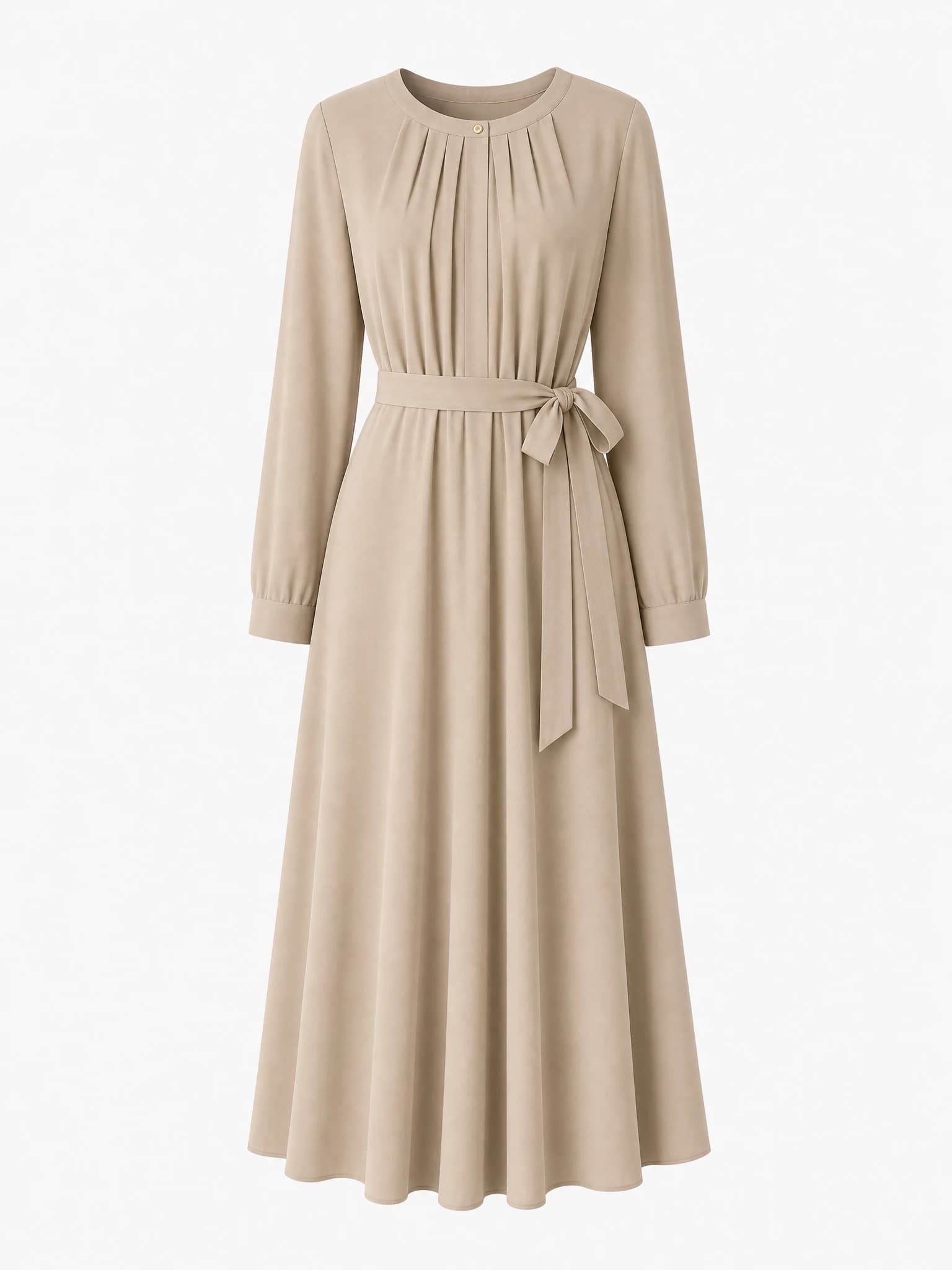
Shopify product-page hero
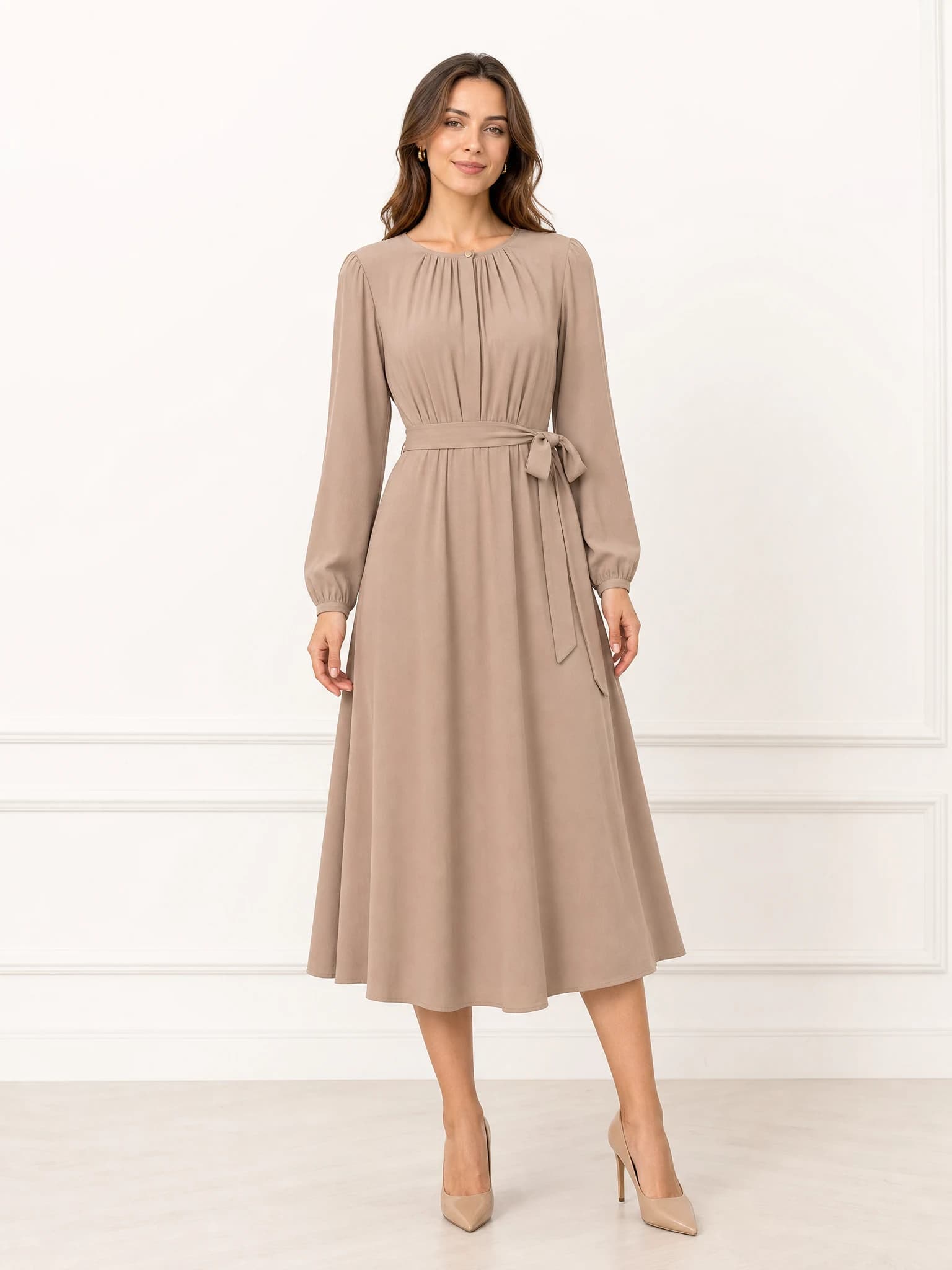
Model try-on image
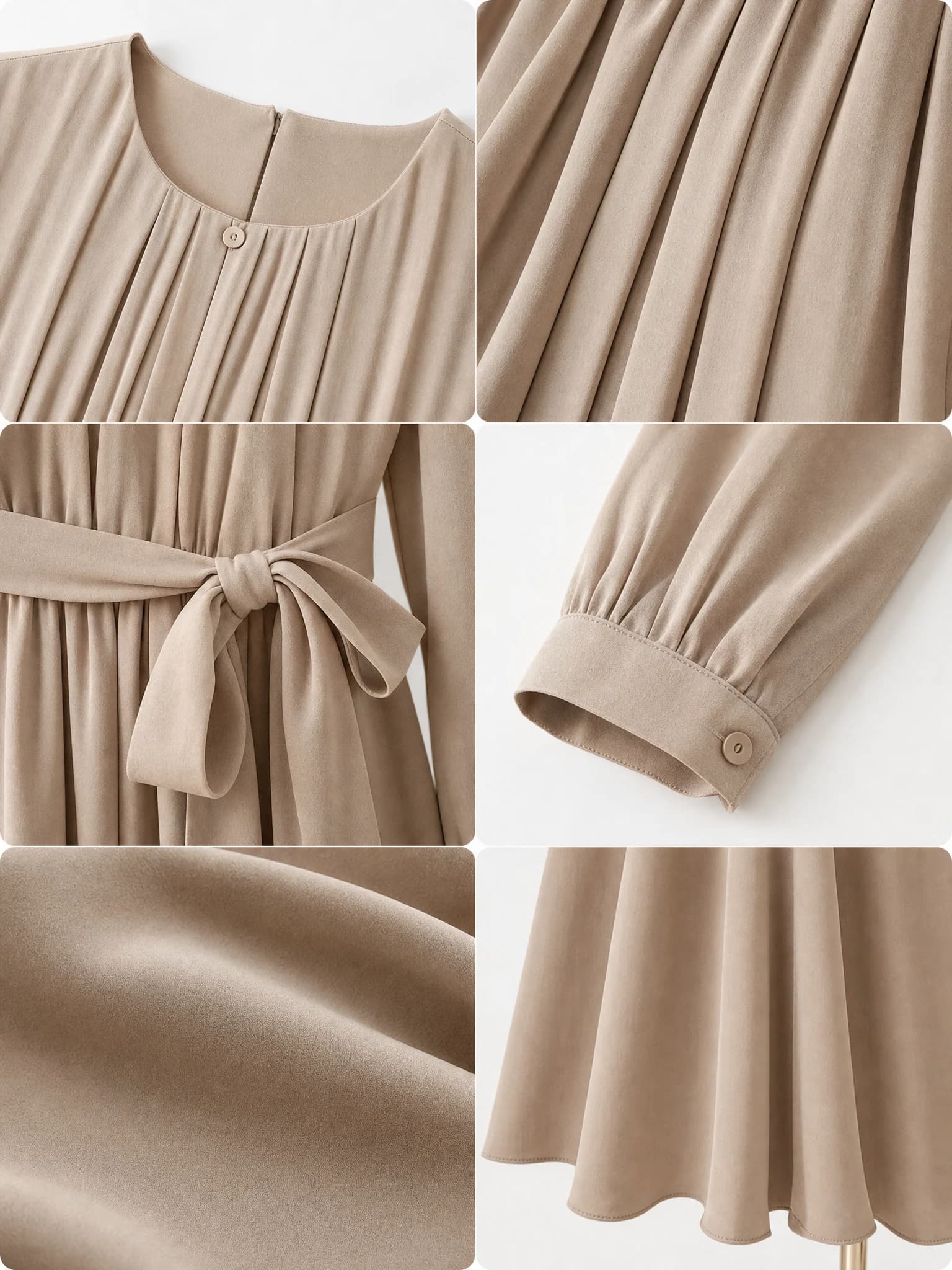
Fabric detail closeups
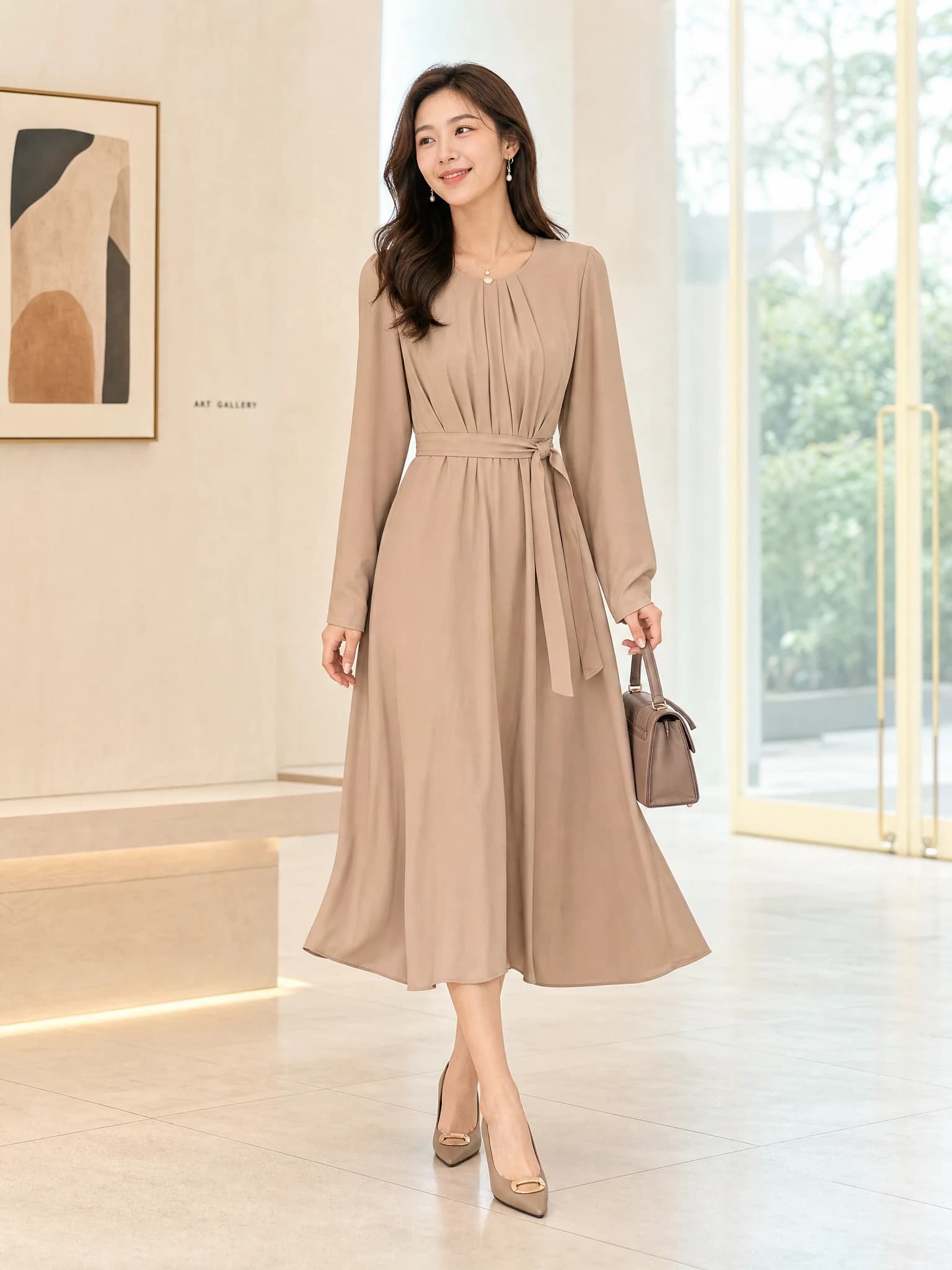
Lifestyle ad creative
Start with a product image or short brief, then generate multiple ecommerce visuals in one workspace.
Need a done-for-you pack instead?
Use one product image and get 12 ecommerce-ready visuals for listings, ads, and social. $12.9 one-time.
What a Shopify product image generator should help you do
A Shopify store usually needs more than a single product shot. It needs a main product-page image, supporting visuals for collections or landing pages, and creative assets that can move into ads and social.
This workflow is meant for stores that want those outputs to stay visually connected instead of looking like they came from unrelated shoots.
Product-page hero
Create the main visual shoppers see first on the PDP.
Collection support
Generate banners and merchandising images that fit a Shopify storefront.
Launch-ready variants
Carry the same product into campaign and ad visuals without starting over.
How to use one product image across a Shopify store
Start with a clear source image, then tell the model where the output will be used: product page, collection page, homepage banner, or ad creative. That one detail often improves composition more than adding extra style language.
The goal is not just to make a pretty image. It is to match the selling surface.
Name the page type
Mention PDP, collection, homepage, or campaign so framing matches the layout.
Keep the item central
Shopify visuals work best when the product remains readable at a glance.
Build a reusable set
Create several coordinated assets instead of perfecting only one hero image.
What to create first for Shopify
If you are prioritizing impact, create the product-page main image first, then one collection or lifestyle visual, then one ad asset. That sequence improves the store first and then supports traffic generation.
It also gives you a clearer way to judge whether a visual direction is helping the store actually sell.
PDP first
Fix the product page before expanding to broader campaign assets.
Storefront second
Add banners or collection visuals once the item page is strong.
Traffic third
Use the winning direction in paid social or launch ads.
FAQ
What images should a Shopify store create first?
Start with the product-page main image, one lifestyle scene, one collection banner, and one ad creative for traffic testing.
Does this work as a Shopify product image generator for collections and ads?
Yes. You can create Shopify product images for product pages, collection banners, paid ads, and launch visuals from one source image.
Recommended next
Related product image tools
Focused picks for building stronger Shopify product-page, background, and ad visuals.