
ai product photo generator no login
AI Product Photo Generator No Login: What to Look For
A practical guide to no-login AI product photo tools, why low-friction trials convert better, and what sellers should test first.
Published 2026-06-29 / 6 min read
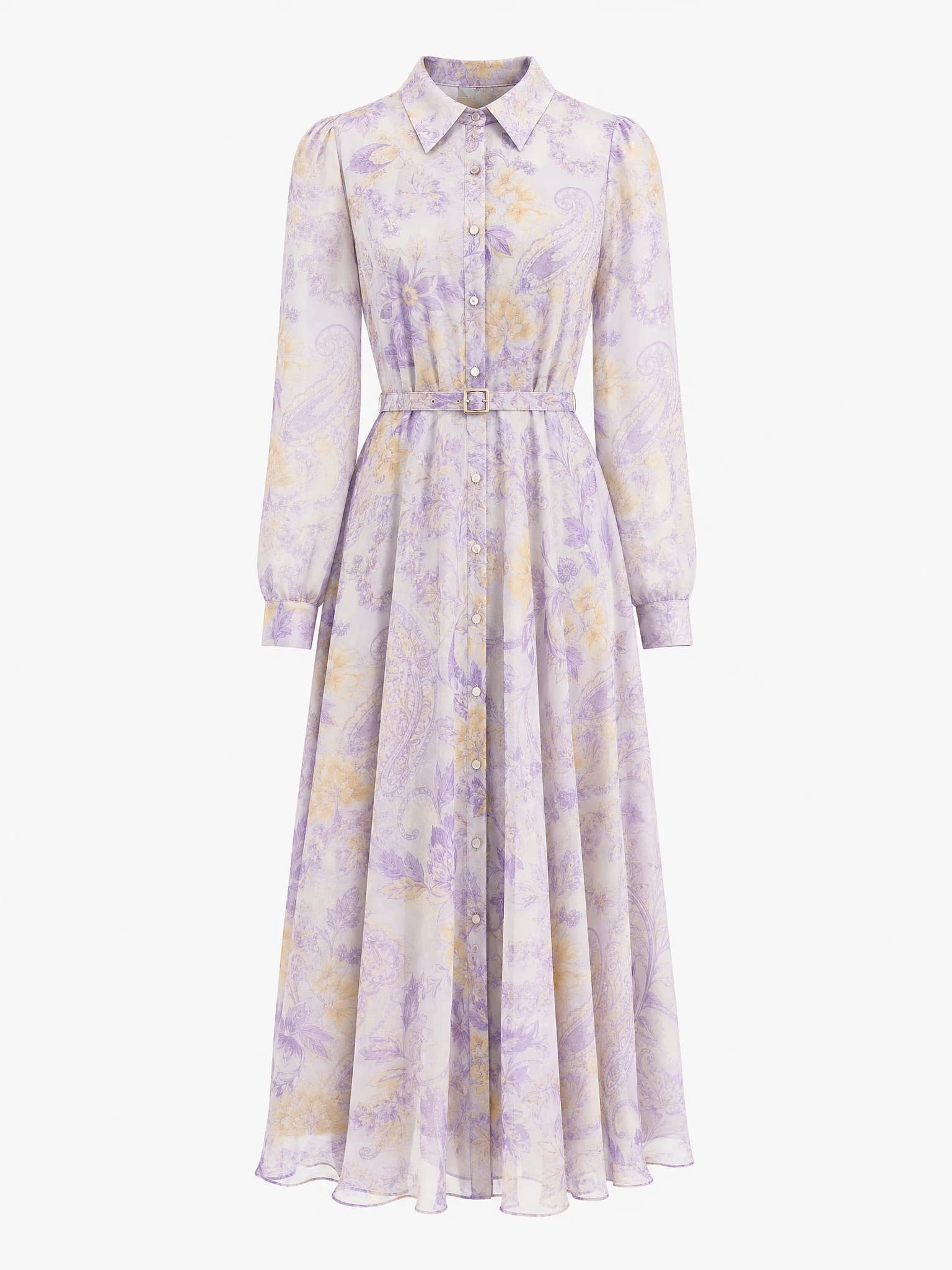
Clean product image
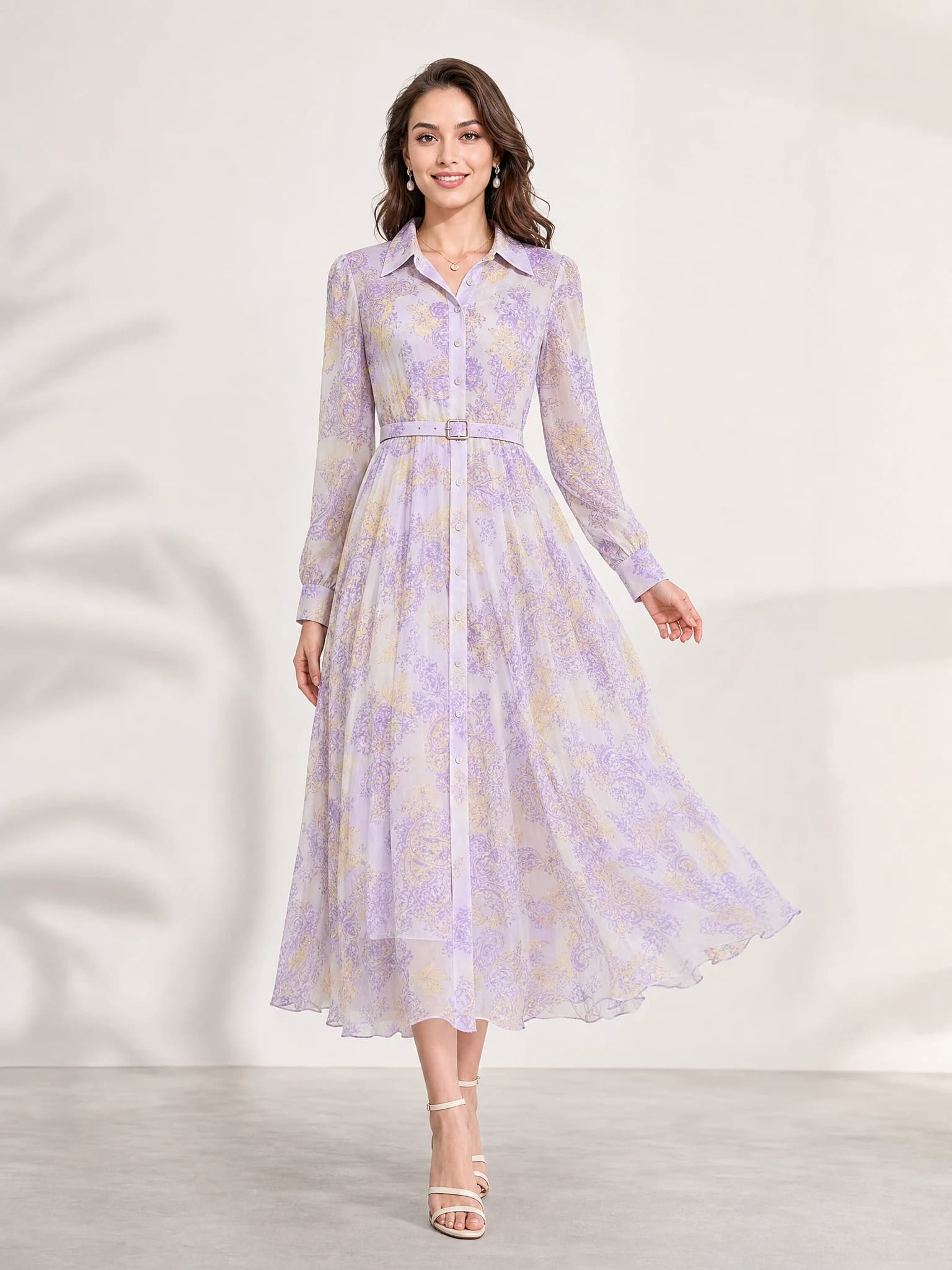
Listing-ready visual
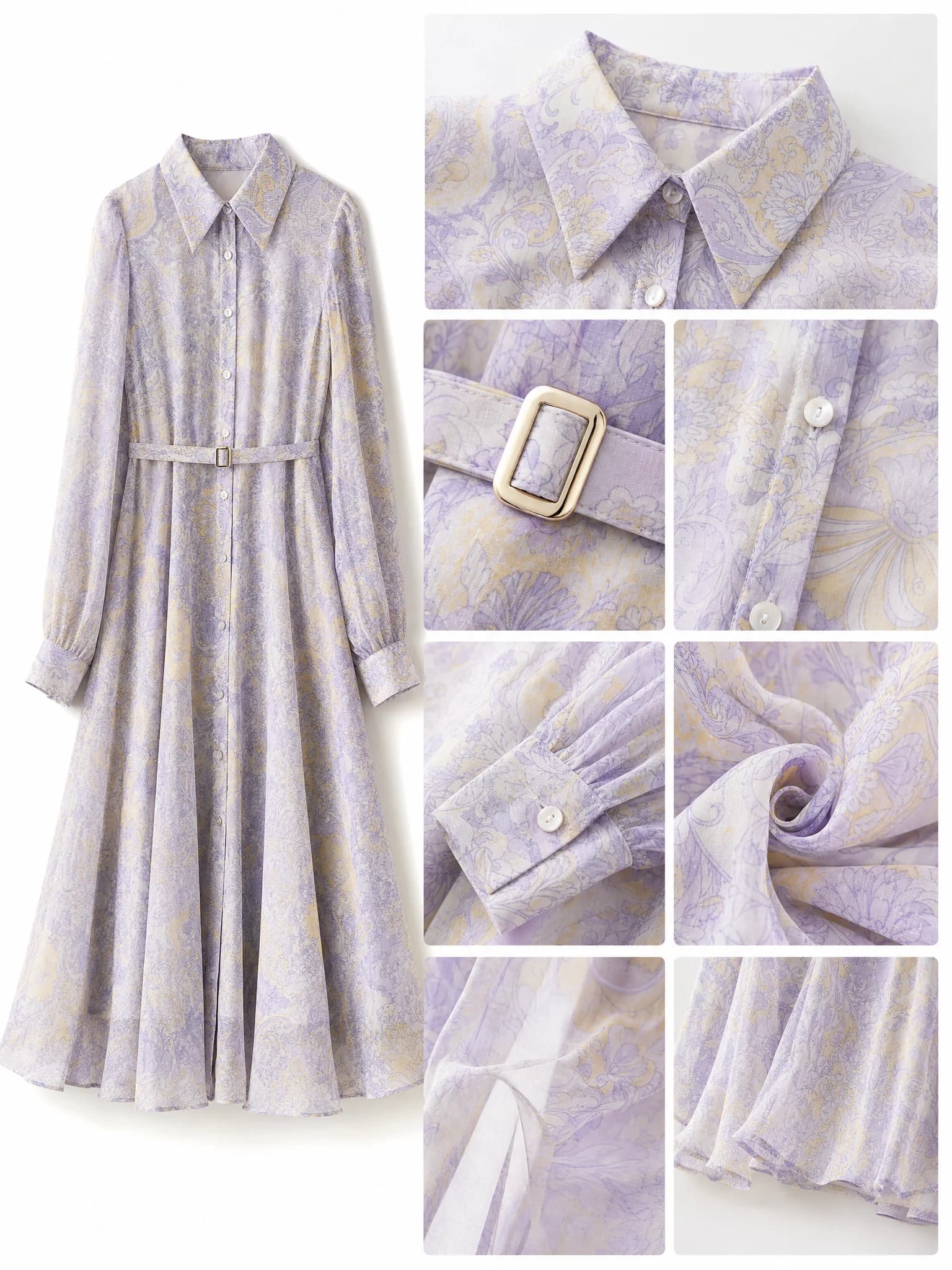
Feature-support image

Lifestyle variation
Quick answer: an AI product photo generator no login workflow lets sellers test image quality and commercial fit before creating an account or moving into a larger toolchain.
Why no-login matters for product photo tools
No-login tools reduce the distance between curiosity and proof. For ecommerce teams, that matters because the first question is rarely price or feature depth. The first question is whether the output is commercially usable for the actual catalog.
When a user can test a product image workflow immediately, the quality of the image becomes the evaluation point instead of the friction of the signup wall.
Faster first test
Users can validate output quality before they commit to a workflow.
Better team sharing
Stakeholders can review the result without setting up accounts for everyone.
Lower drop-off
Less friction means more users reach the actual generation step.
What to check in a no-login AI product photo generator
The workflow still needs to solve a business problem, not just remove login. Sellers should judge whether the product remains accurate, whether the composition matches real ecommerce use cases, and whether the output is fast enough for repeated testing.
A strong no-login path should help the user reach a real decision: keep the tool, reject the tool, or move deeper into the broader workflow.
Product accuracy
Check whether the item shape, material, and core details remain recognizable.
Channel fit
Check whether the output feels usable for listings, PDPs, ads, or social.
Creative range
Check whether the tool can produce several practical directions from the same product.
How Aurivis handles no-login product photo generation
Aurivis exposes Aurivis Image 2 as a no-login image workflow for product visuals. That lets new users test product-photo generation immediately instead of stopping at account creation.
It is a clean first step for sellers who want evidence before they decide whether to use more advanced models or account-based features later.
FAQ about no-login AI product photo generators
What does no login mean in an AI product photo generator?
It means the user can reach the image generation workflow without creating an account first.
Is no login enough by itself?
No. The output still needs to be commercially useful, product-accurate, and relevant to ecommerce image needs.
Who benefits most from a no-login workflow?
First-time evaluators, small sellers, and teams that want to test quality before setting up a longer workflow.
What should I test first?
Start with one clear product image and compare a main image, a scene variation, and one ad-style output.
Try the no-login Agnes image route
Open the no-login AI product photo generator on Aurivis and test Aurivis Image 2 without account friction.