
amazon product image generator
Amazon Product Image Generator: What Sellers Should Create First
A practical guide to Amazon product image generation, what image types matter first, and how sellers can keep AI outputs useful for listings.
Published 2026-07-08 / 6 min read
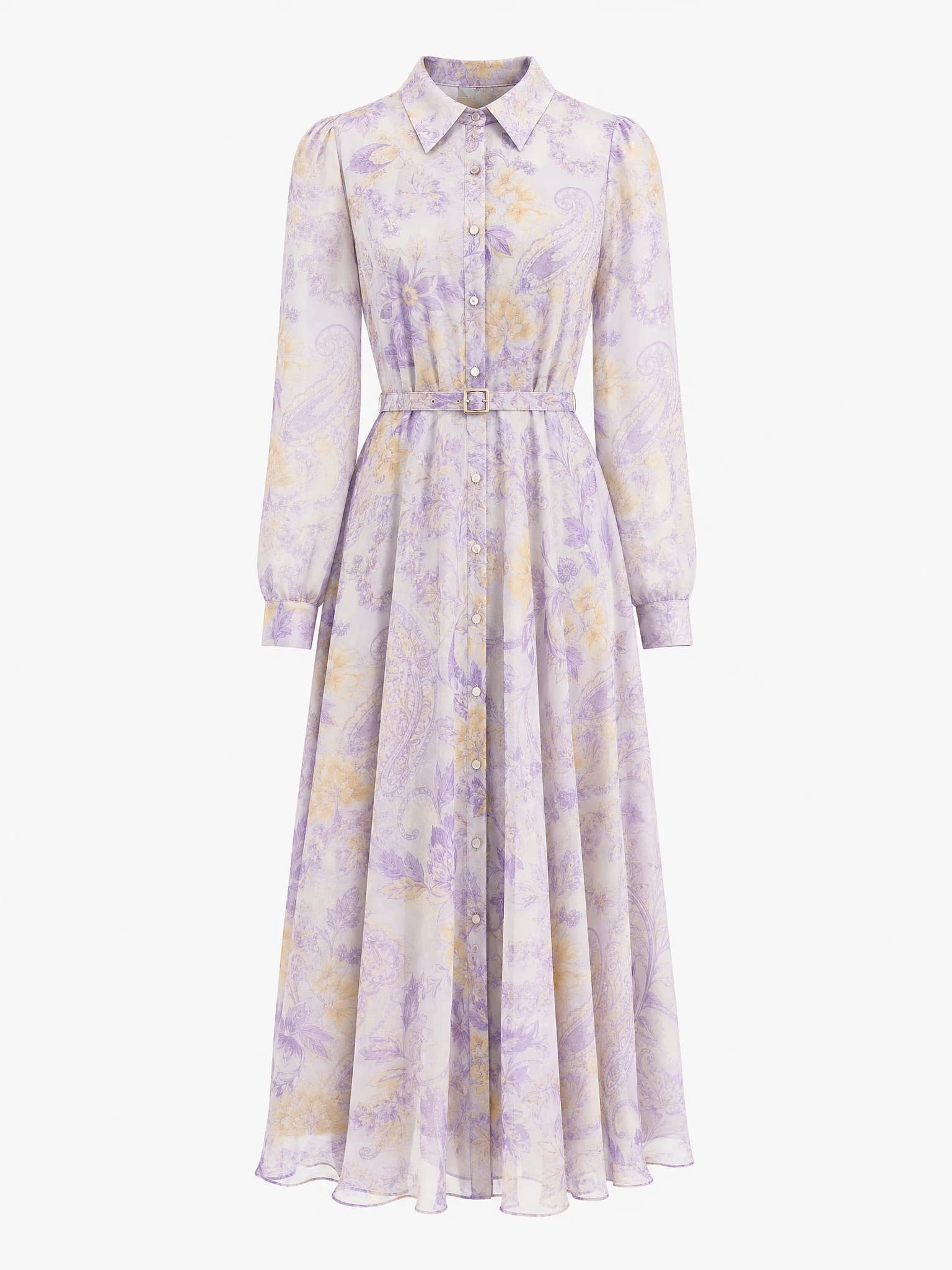
Clean product image
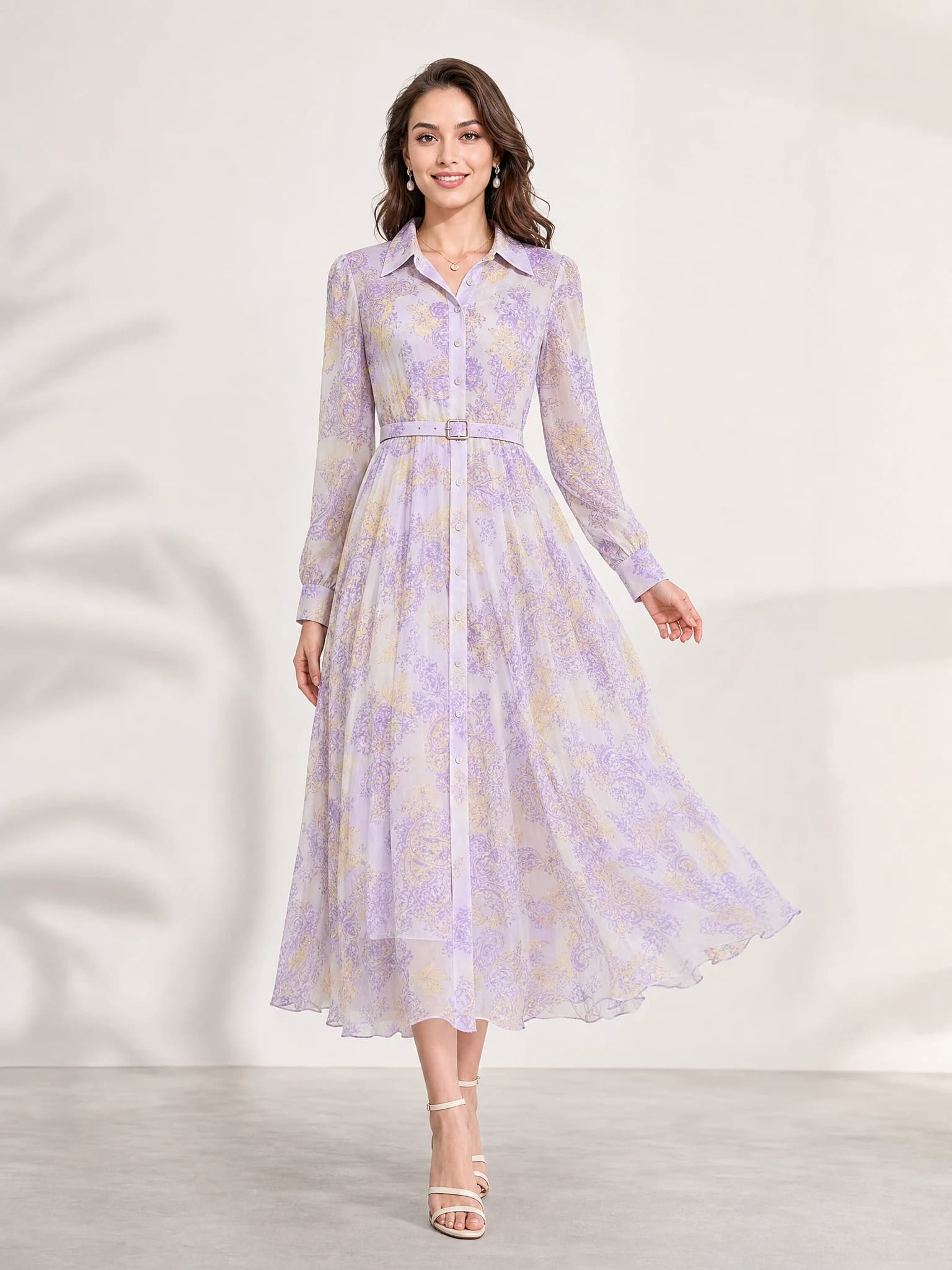
Listing-ready visual
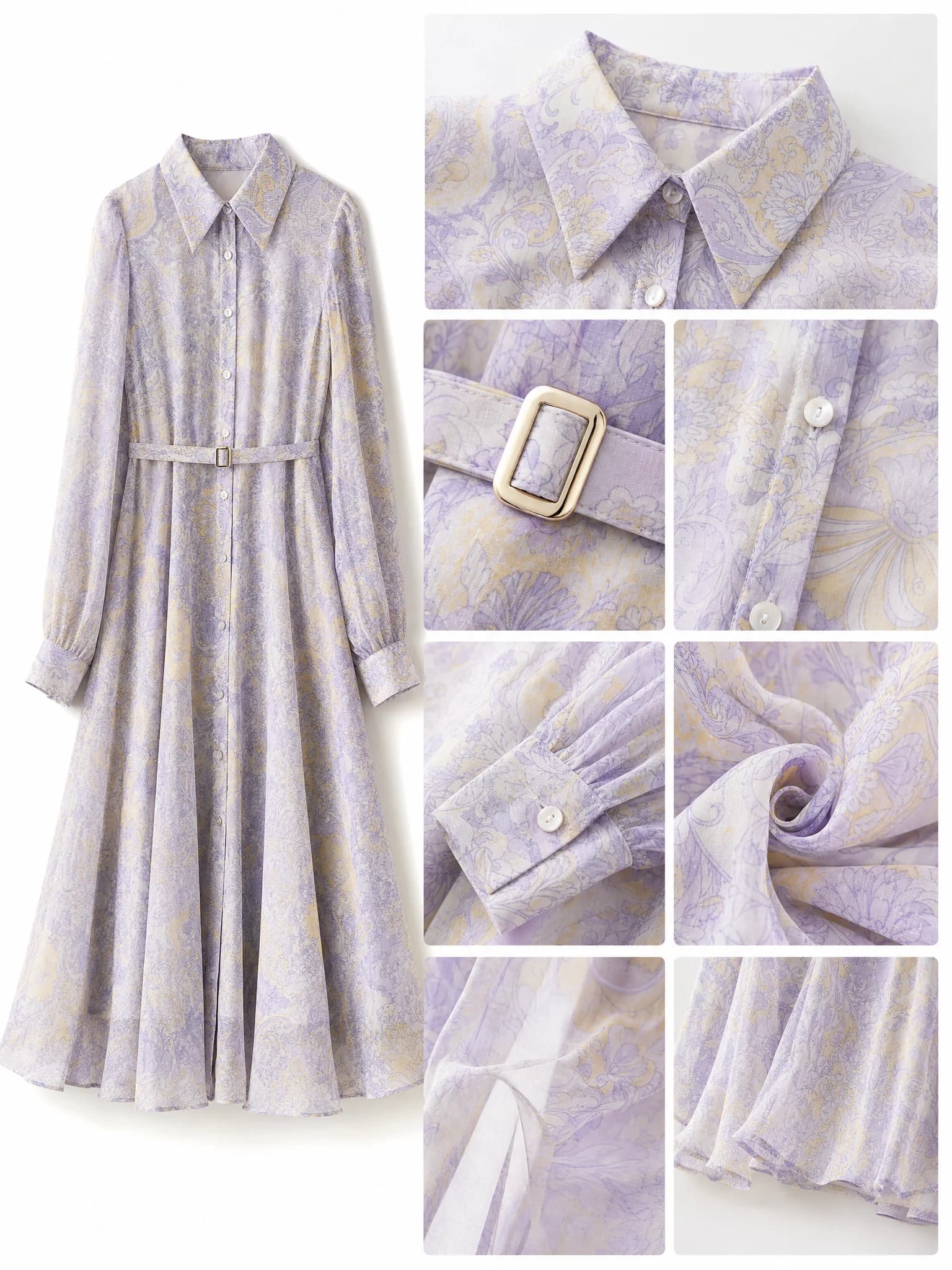
Feature-support image
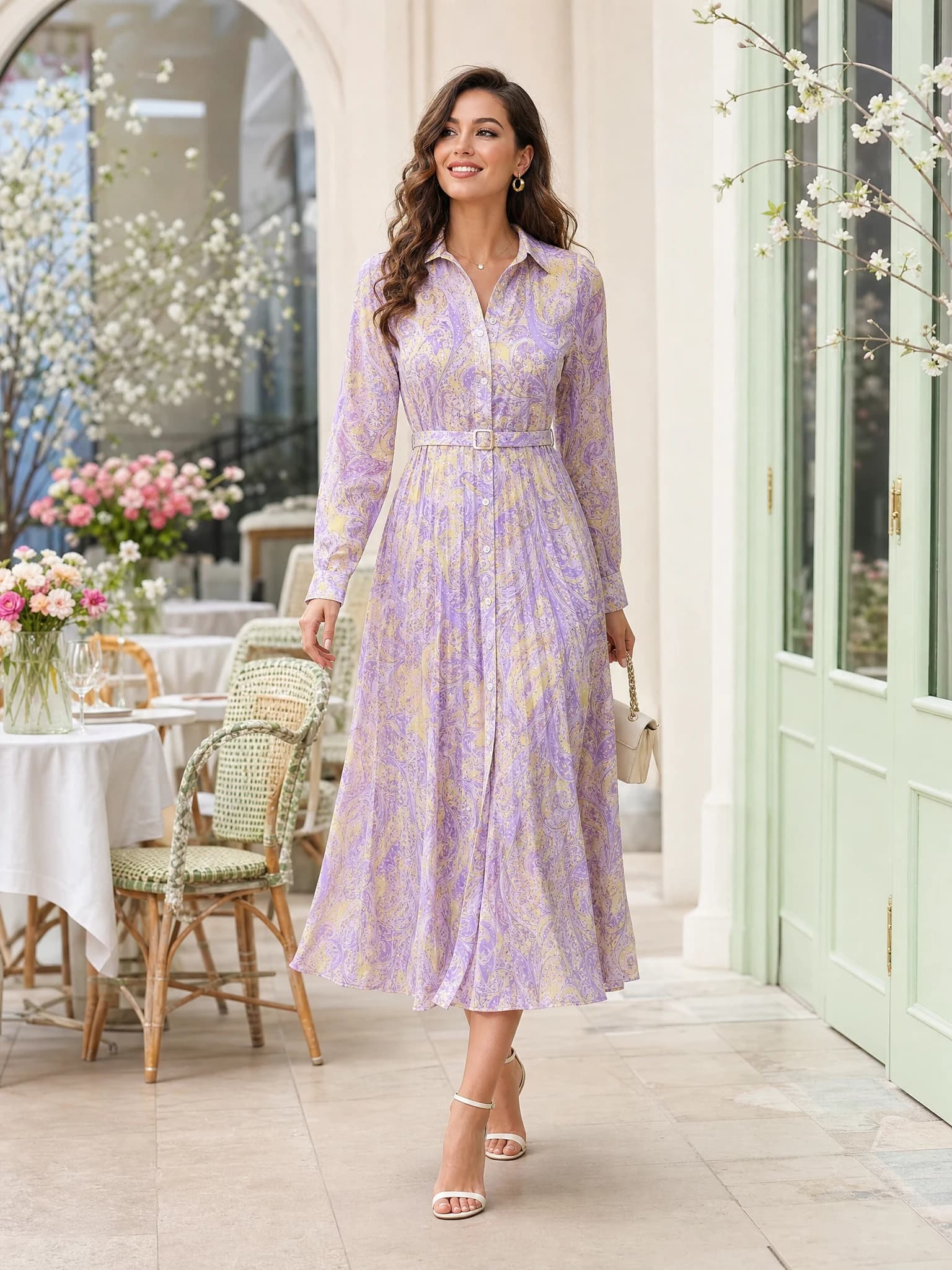
Lifestyle variation
Quick answer: an Amazon product image generator helps sellers create a clean main image, feature-support visuals, and ad-ready product assets from one product photo.
What Amazon sellers need from an AI image workflow
Amazon product images need to do one simple job first: make the product easy to understand. That means the item should stay central, readable, and commercially useful before you worry about mood or styling.
A practical Amazon product image generator should help you build the core listing set faster: one clean main image direction, one or two feature visuals, and supporting creative variations for ads or store content.
Main image clarity
Start with a clean product-first direction where the item shape, label, and edges are easy to read.
Feature support
Create secondary visuals that explain materials, size, ingredients, or product benefits.
Campaign reuse
Extend the same product into ad-ready or storefront-ready visuals without rebuilding the concept.
Which Amazon product images to create first
Most sellers do not need to generate every possible image type on day one. The fastest path is to create the assets that affect listing quality first, then expand outward if the product needs more support.
A good sequence is main image first, feature image second, lifestyle support third, and ad creative last.
White-background main image
Use this to test first-click clarity and whether the product feels trustworthy on the results page.
Feature-benefit visual
Use this to explain the strongest product advantage without relying on dense copy alone.
Lifestyle support
Use this only after the listing basics are covered and the product still needs more context.
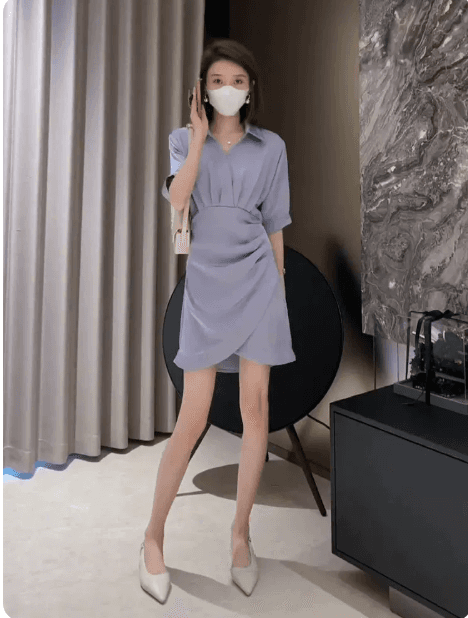
White-background main image
Use this first to judge clarity, product trust, and how cleanly the item reads in a listing.
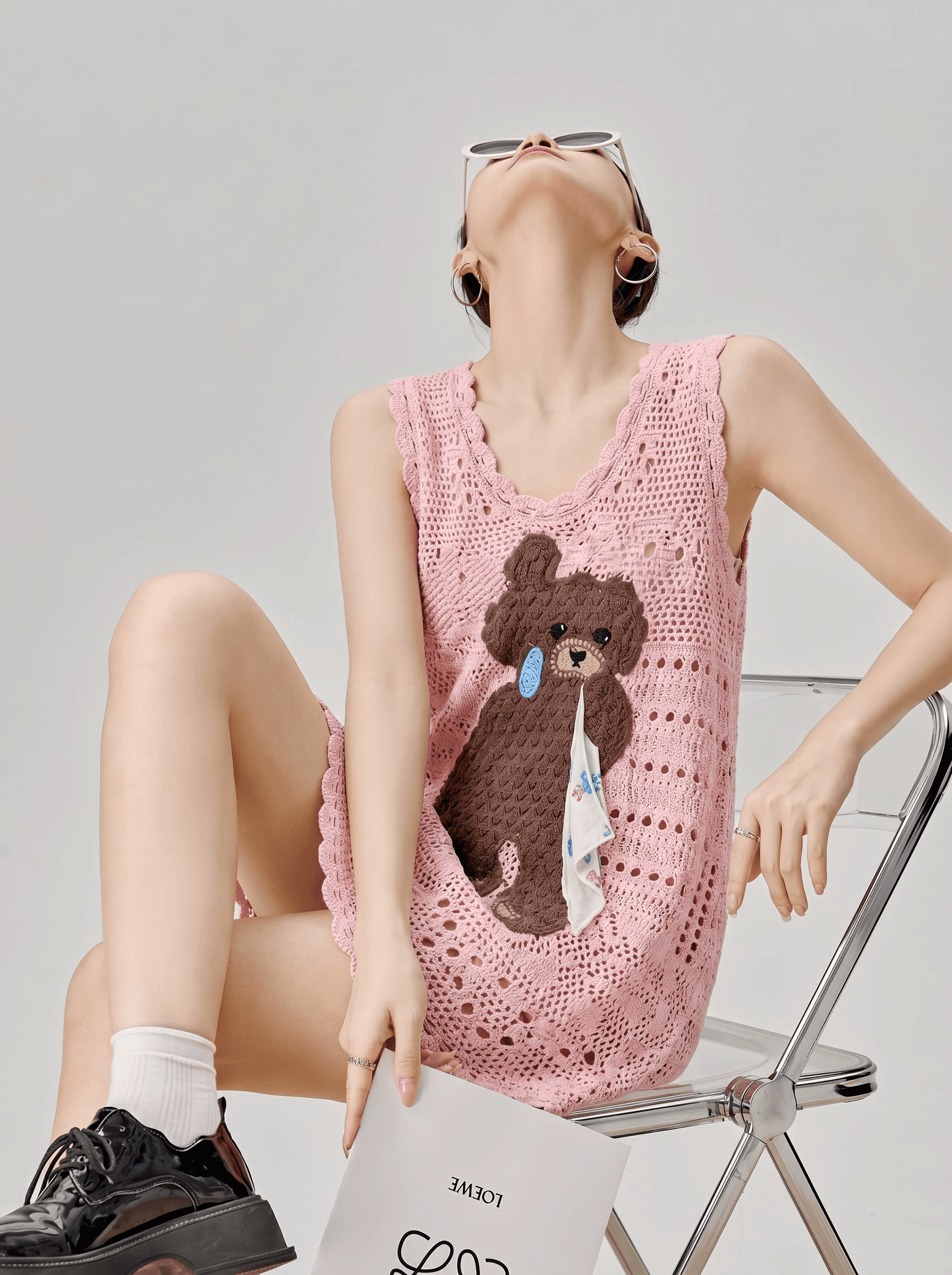
Feature-benefit visual
Use this to explain a core product advantage in a more visual way.
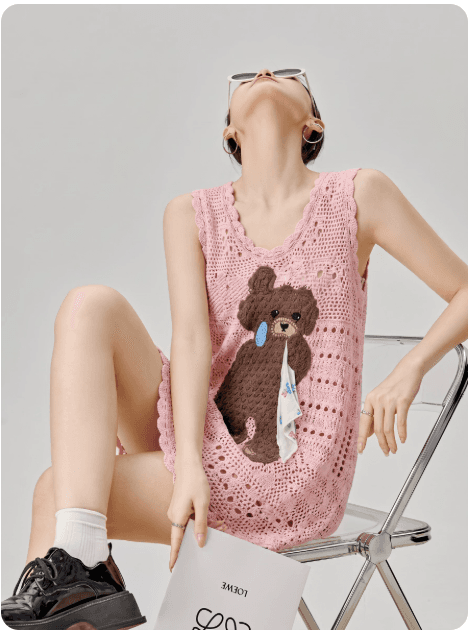
Lifestyle support image
Use this when the listing needs more product context after the basics are covered.
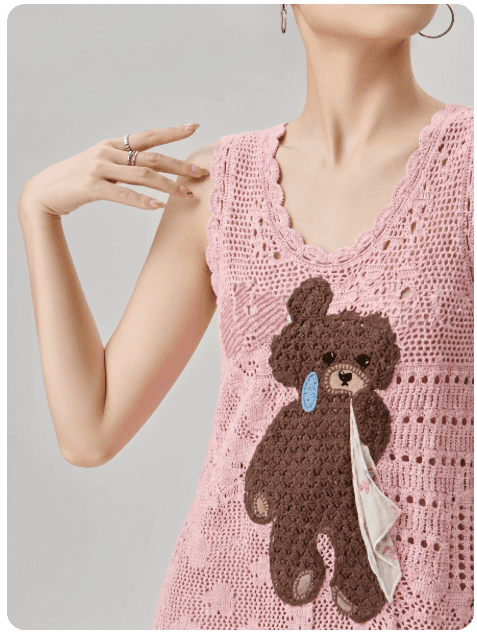
Amazon ad creative
Use this to extend the same product direction into campaign testing.
How to keep Amazon image generation usable
The AI output only helps if the product stays accurate and the image still feels useful for an actual listing. If the scene becomes too decorative or the product stops looking real, the image is no longer helping the sale.
Keep the prompt practical, preserve the product identity, and review every final image before publishing.
Protect the product
Ask the AI to preserve the real shape, material, color, and visible product details.
Stay commercially clean
Avoid unnecessary props, clutter, or dramatic layouts that compete with the item.
Review for compliance
Check every final image against marketplace and brand requirements before you upload it.
Create Amazon product images with Aurivis
Aurivis is built around ecommerce image production, so you can start with one product shot and turn it into a cleaner Amazon listing set instead of prompting from scratch.
Open the Amazon product image generator, upload the product, choose the listing direction you need, generate several options, and keep the versions that make the product easiest to understand.
FAQ about Amazon product image generators
What is an Amazon product image generator?
It is an AI workflow that helps sellers create Amazon-ready product visuals such as main images, feature-support assets, and campaign extensions from one product image or brief.
What should I create first for an Amazon listing?
Start with one clean main image, then create one feature-support visual. Add lifestyle or ad variations only after the listing basics are covered.
Can AI help with Amazon main images?
Yes, but you still need to review final outputs carefully for product accuracy and marketplace fit before publishing.
How do I keep Amazon product images accurate?
Use a clear source image, tell the AI to preserve the product identity, and manually check color, label, shape, and visible details before upload.
Create Amazon product images with Aurivis
Open the Amazon product image generator on Aurivis to create main images, benefit visuals, and listing-ready product assets from one source photo.