
free ai product photo generator
Free AI Product Photo Generator for Ecommerce
A practical guide for sellers who want free product photos, ecommerce scenes, and ad-ready image concepts from one product image.
Published 2026-06-29 / 7 min read
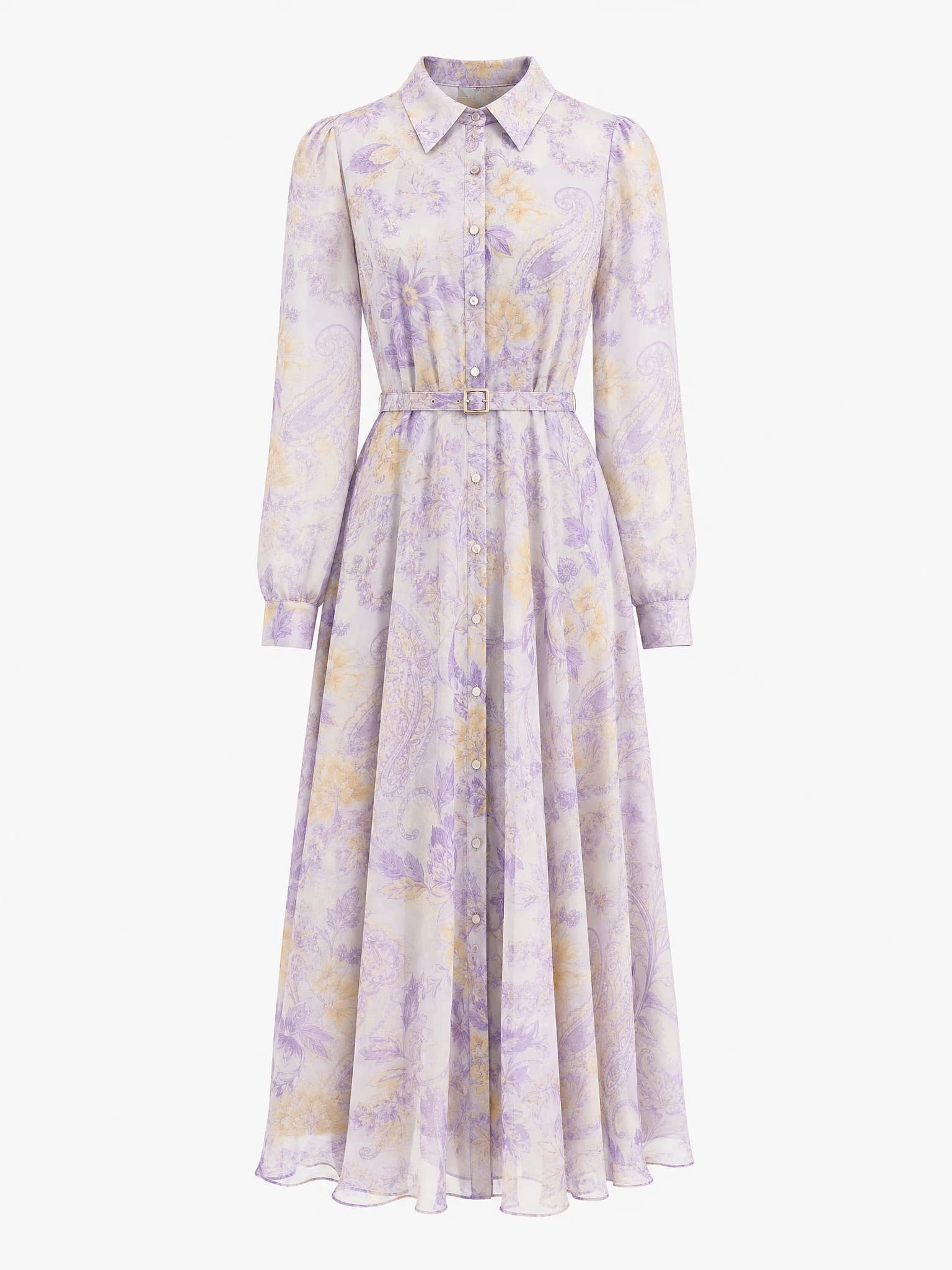
Clean product image
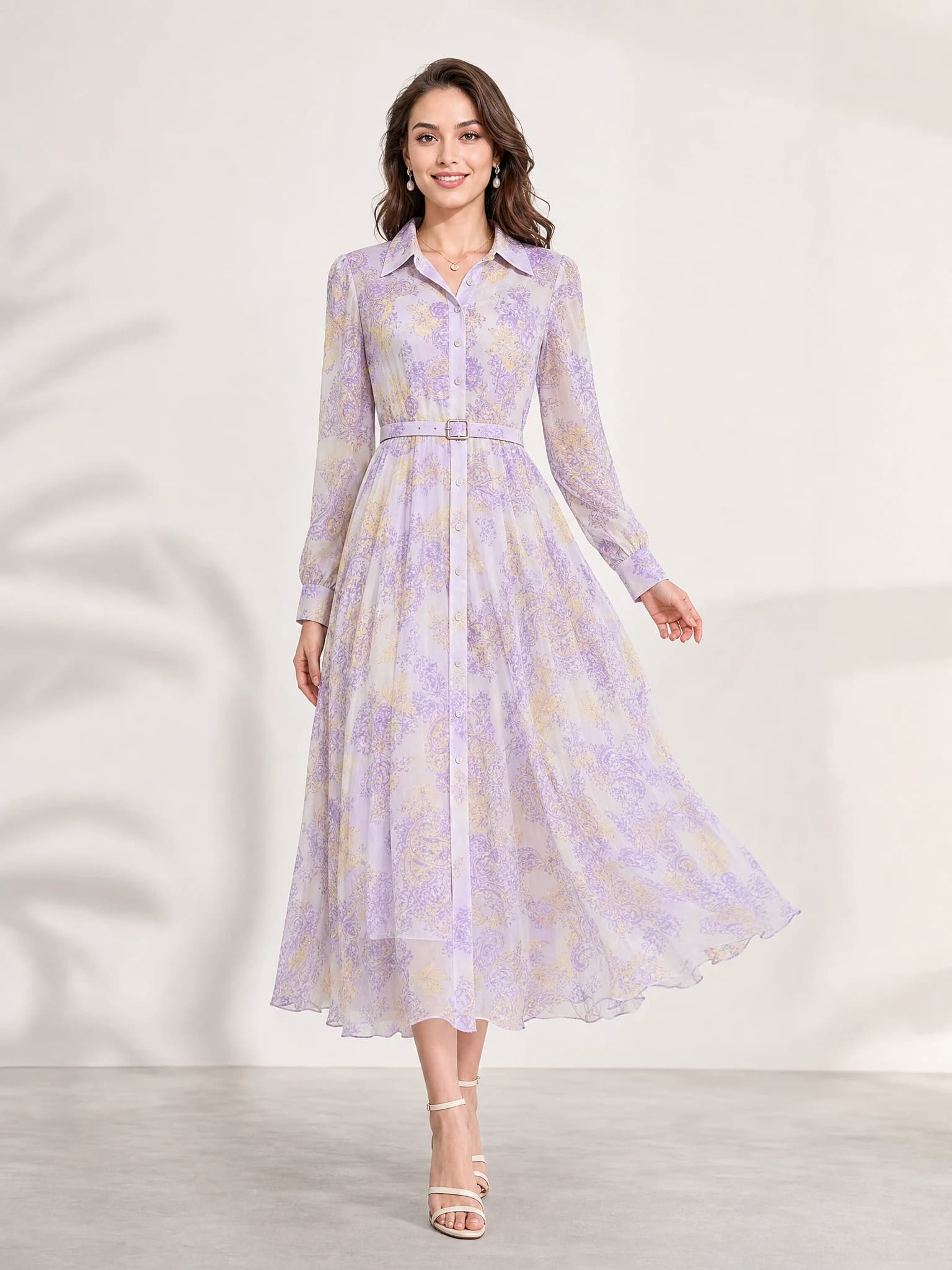
Listing-ready visual
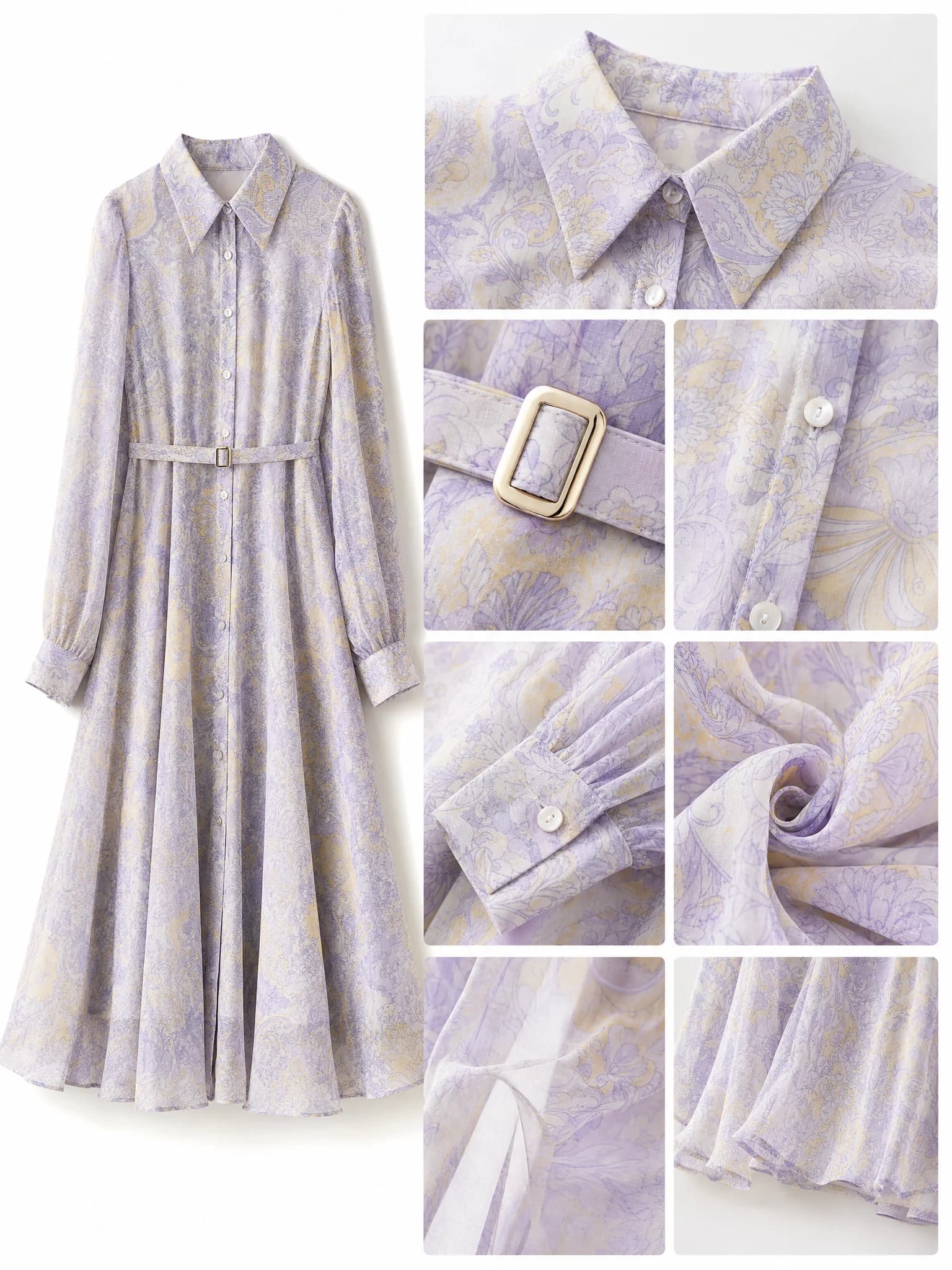
Feature-support image
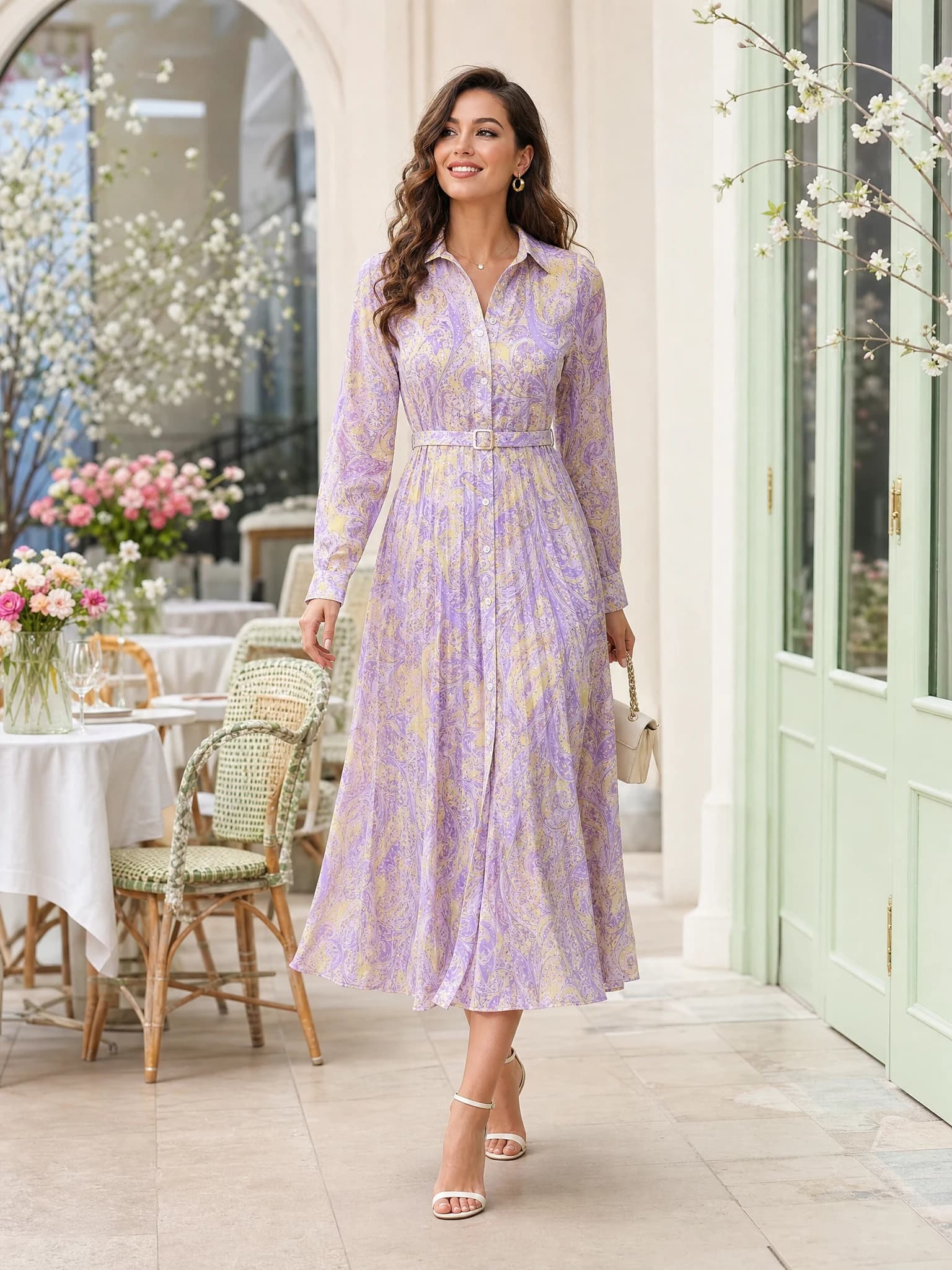
Lifestyle variation
Quick answer: a free AI product photo generator helps you turn one product image into listing visuals, scenes, and ad concepts before you invest in a larger production workflow.
What a free AI product photo generator does
A free AI product photo generator helps sellers produce commercial image variants from one product photo or short product brief. Instead of preparing a full shoot for every channel first, the seller can test listing images, scene concepts, feature visuals, and social creatives in one workflow.
The practical value is speed. You can validate whether a product looks better on a clean background, in a premium lifestyle scene, or inside a more direct campaign layout before spending more on production.
Input
Start with one product image that clearly shows the item shape, material, and label.
Direction
Choose whether the output is for a listing, product page, ad, banner, or social post.
Output
Generate several ecommerce-ready image directions and compare them quickly.
When free product photo generation makes sense
The free route is most useful at the start of the decision. It works well when you need to compare creative directions, check whether a product image can support a stronger scene, or get quick visuals for a test listing or ad concept.
It is also helpful for small sellers who do not want account friction or early spend before they know whether the workflow fits their catalog.
Before a full shoot
Use free image generation to test the angles worth producing in a more polished way later.
Before paid ads
Try several product-first compositions before turning one into a paid creative.
Before platform rollout
Check how the product reads in marketplace, PDP, and social formats.
How to use free AI product photos for ecommerce
Start with the sales surface, not the style. If the image is for Amazon or a marketplace, keep the product central and easy to read. If it is for Shopify or ads, allow more scene direction, lighting mood, and composition freedom.
A simple workflow is to create one clean main image, one premium scene, one feature visual, and one ad concept from the same source image.
Main image
Use it to test product clarity and first-click trust.
Scene image
Show context, mood, or lifestyle fit around the product.
Feature visual
Highlight texture, material, ingredients, or product detail.
Ad concept
Check whether the same product can support a stronger campaign composition.
Using a free AI product photo generator on Aurivis
Aurivis exposes Aurivis Image 2 as a free image workflow for product visuals. That means you can start without login on the Agnes route, upload a product image, choose an ecommerce direction, and generate image concepts quickly.
The biggest advantage is lower friction. A seller can test the workflow first and decide later whether they need other tools, account features, or paid production.
FAQ about free AI product photo generators
What is a free AI product photo generator?
It is a tool that creates commercial product image variants from one product photo or prompt, without forcing the user into a paid workflow first.
Can free AI product photo generators help with ecommerce listings?
Yes. They are most useful for testing listing images, product-page visuals, scenes, and ad concepts before final production.
Do I need prompt engineering experience?
No. Start with the product, the platform, and the type of image you need. A simple commercial brief is usually enough.
What should I create first?
Start with a clear main image and one supporting scene so you can judge both product clarity and commercial mood.
Try the free Agnes image workflow
Open the free AI product photo generator on Aurivis to create ecommerce visuals with Aurivis Image 2.