
free ai product video generator
Free AI Product Video Generator From One Image
A practical guide for turning one product image into short motion assets for ecommerce launches, social testing, and landing-page video loops.
Published 2026-06-29 / 7 min read
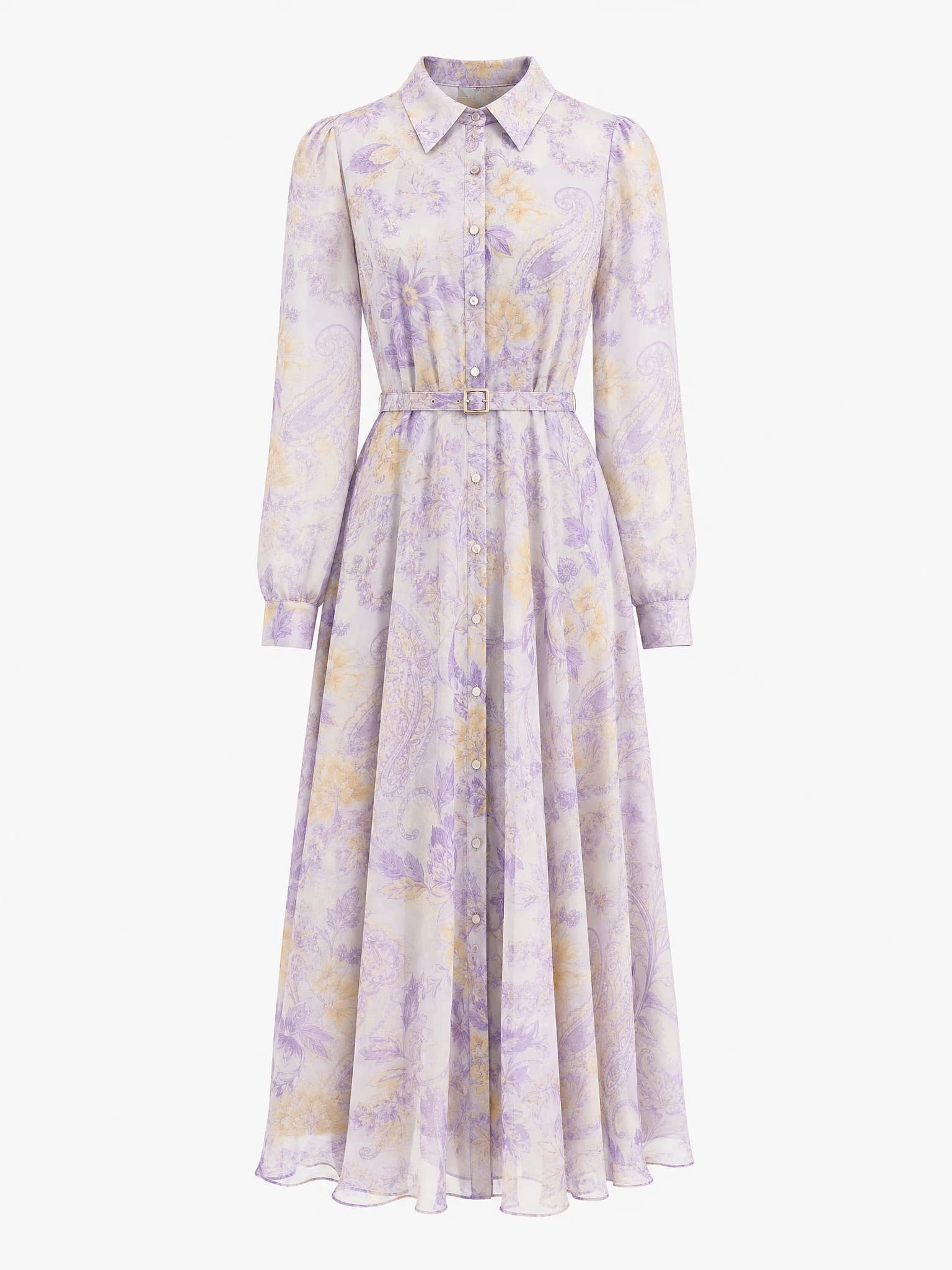
Clean product image
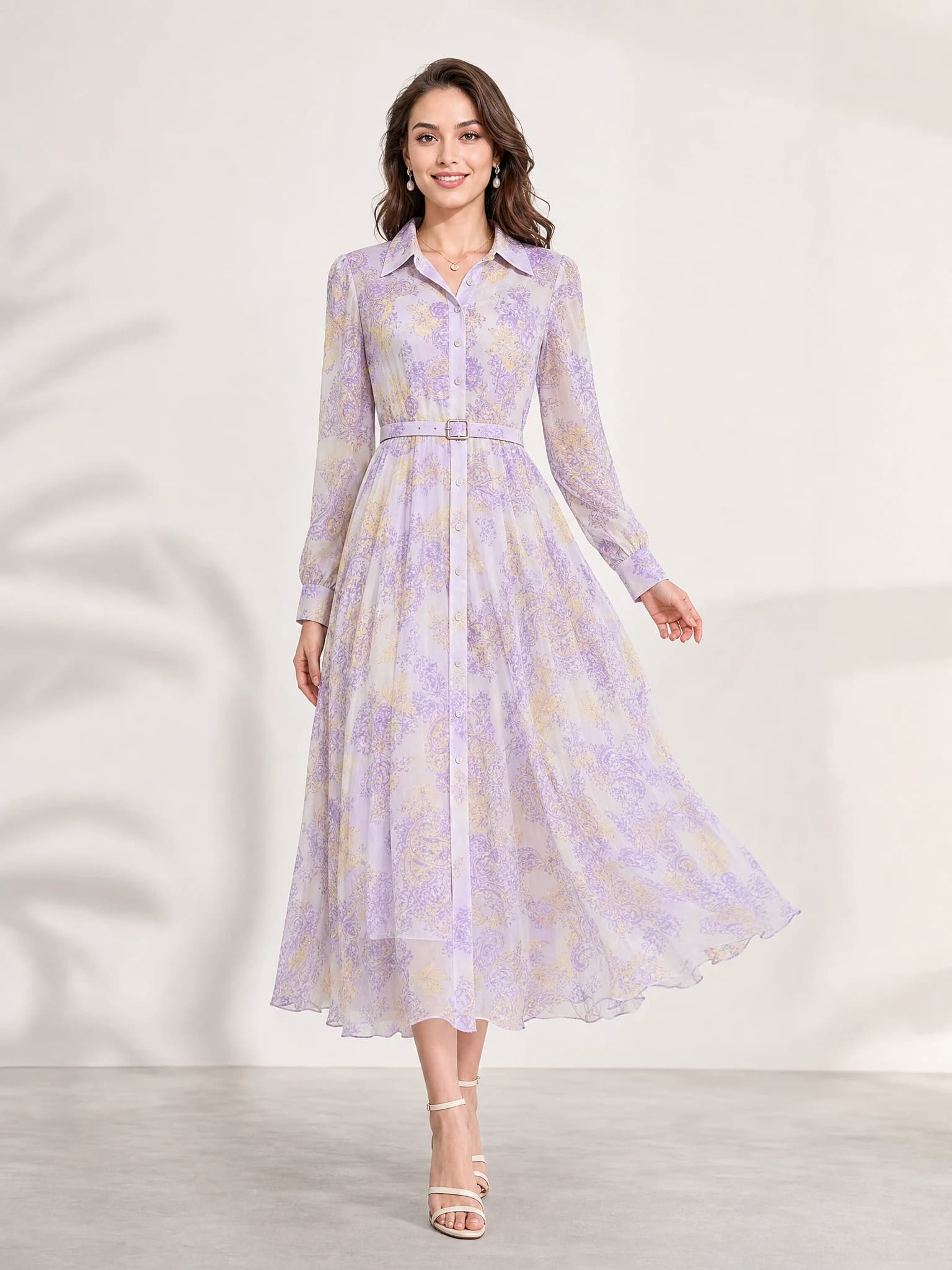
Listing-ready visual
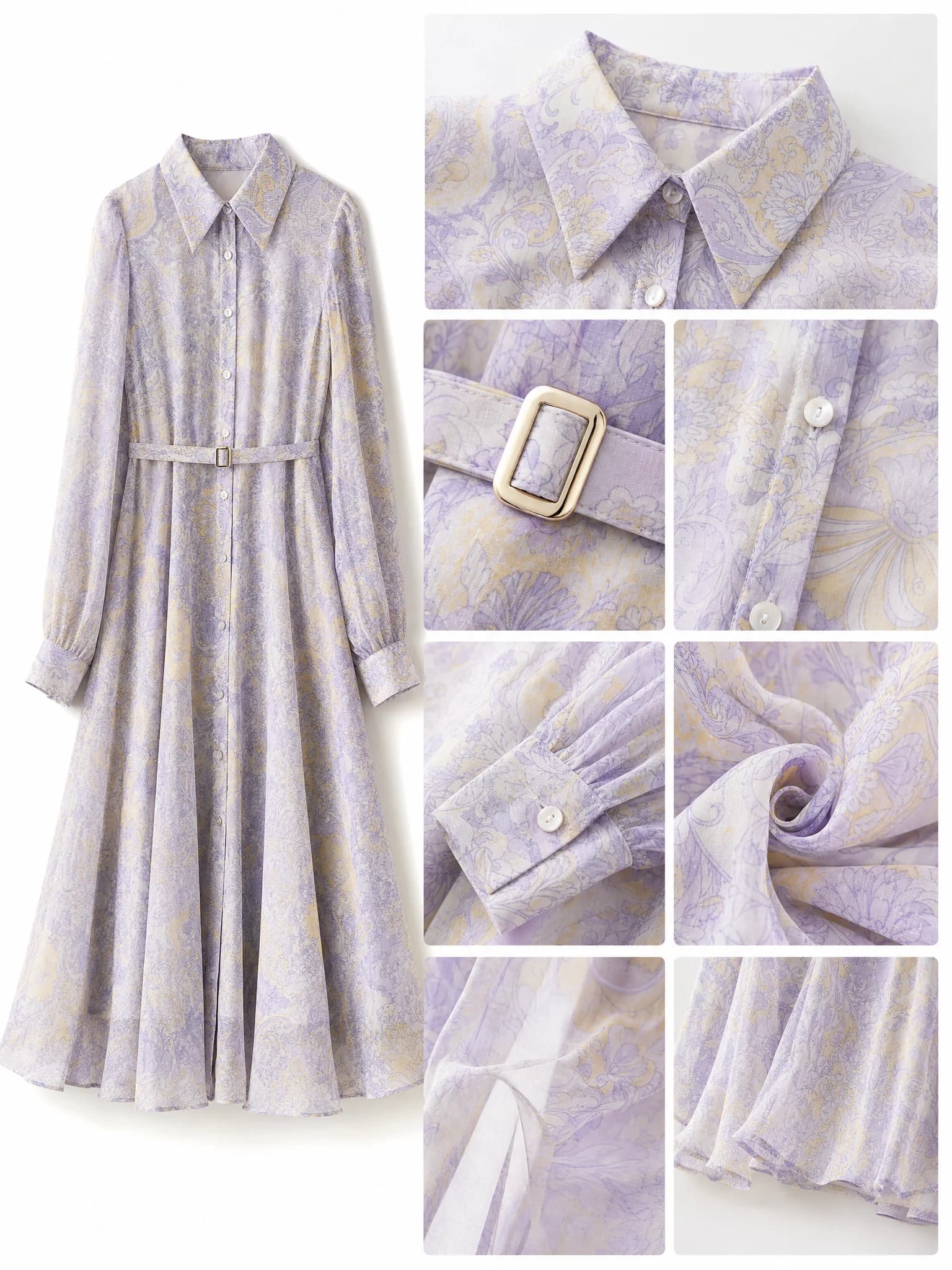
Feature-support image
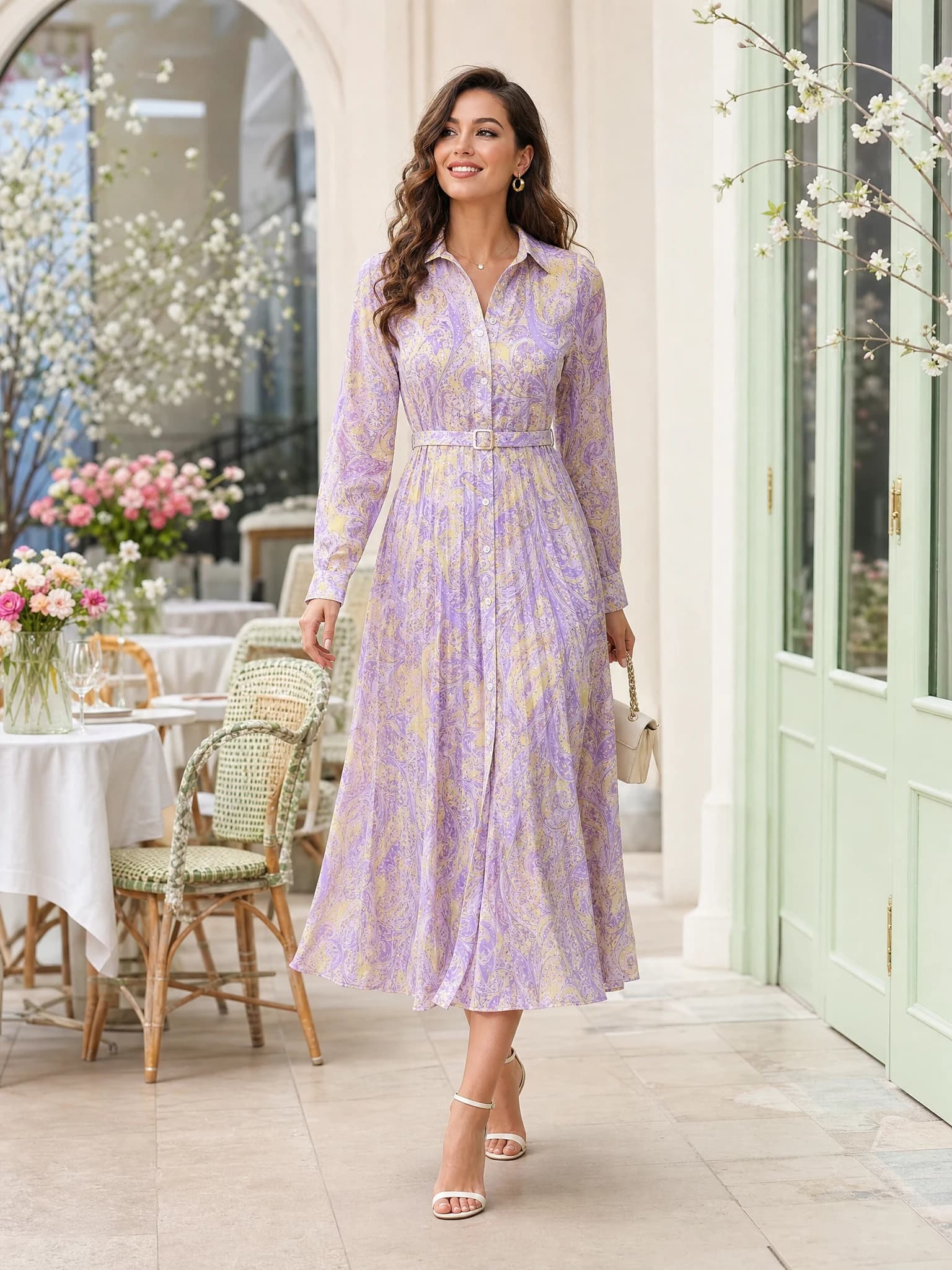
Lifestyle variation
Quick answer: a free AI product video generator turns one product image into a short motion asset for launches, ads, social posts, and product storytelling tests.
What a free AI product video generator does
A free AI product video generator takes a still product image and adds controlled motion so the same product can be shown as a short video. For ecommerce teams, that usually means launch teasers, paid social tests, store hero loops, or simple storytelling clips.
The goal is not to replace full production in every case. The goal is to create fast motion assets from a product visual that already works.
Still image in
Start from one hero image where the product is centered and easy to read.
Motion direction
Add one clear movement, such as push-in, reveal, or subtle orbit.
Short clip out
Generate a simple motion asset for launch, social, or landing-page use.
When to use product video from one image
This workflow is most valuable when you already have one good product image and need motion quickly. It is especially effective for new product launches, social testing, lightweight campaigns, and store hero sections.
If the visual direction is still weak, build the image first. Motion works best after the product framing and commercial angle already make sense as a still.
Launches
Turn a hero shot into a short reveal for a new product drop.
Social
Create short-form video tests for platforms where motion often earns more attention.
Store design
Add movement to landing pages or collection headers without filming new footage.
How to improve AI product video output
Keep the source image simple, the prompt specific, and the movement singular. Product videos get weaker when too many actions, props, or cinematic instructions compete at once.
Good prompts usually define the movement, the mood, and the channel. They do not try to tell a full film story in one short clip.
Use a proven hero image
The best product video outputs usually start from the best static product visual.
Name one movement
Ask for a slow push-in, reveal, or subtle orbit instead of several effects at once.
Keep the product central
Motion should support the item, not hide it or compete with it.
Using a free AI product video generator on Aurivis
Aurivis makes Agnes Video 2 available as a login-required daily-free video workflow. That keeps a low-friction trial path while distributing the shared free video capacity per account.
A practical sequence is image first, video second: create or choose the strongest product image, then turn that winner into a short motion asset.
FAQ about free AI product video generators
What is a free AI product video generator?
It is a tool that turns a product image into a short video so sellers can test motion without filming first.
Can I create a product video from one image?
Yes. That is one of the most useful entry workflows for lightweight ecommerce video generation.
What should I upload first?
Use a clear hero image where the product is centered, fully visible, and not overwhelmed by a busy background.
Should I make image or video first?
Usually image first. Once the static concept works, turn that image into a short video variation.
Try the free Agnes video workflow
Open the free AI product video generator on Aurivis to turn one product image into a short video with Agnes Video 2.