
product detail page image generator
How to Create Product Detail Page Images with AI
A practical guide to product detail page images, what each visual should explain, and how AI helps ecommerce teams create clearer PDP assets faster.
Published 2026-06-10 / 7 min read
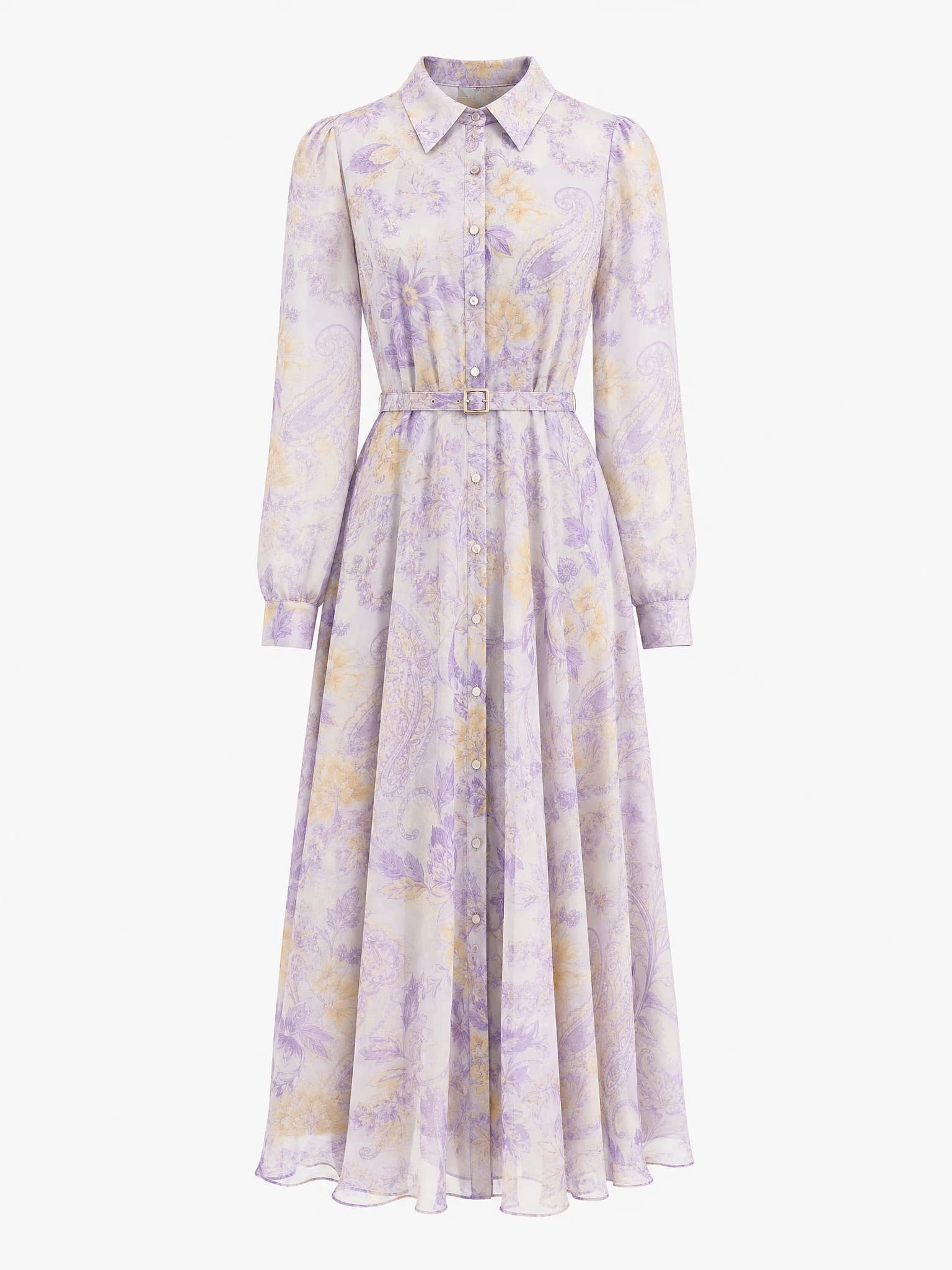
Clean product image
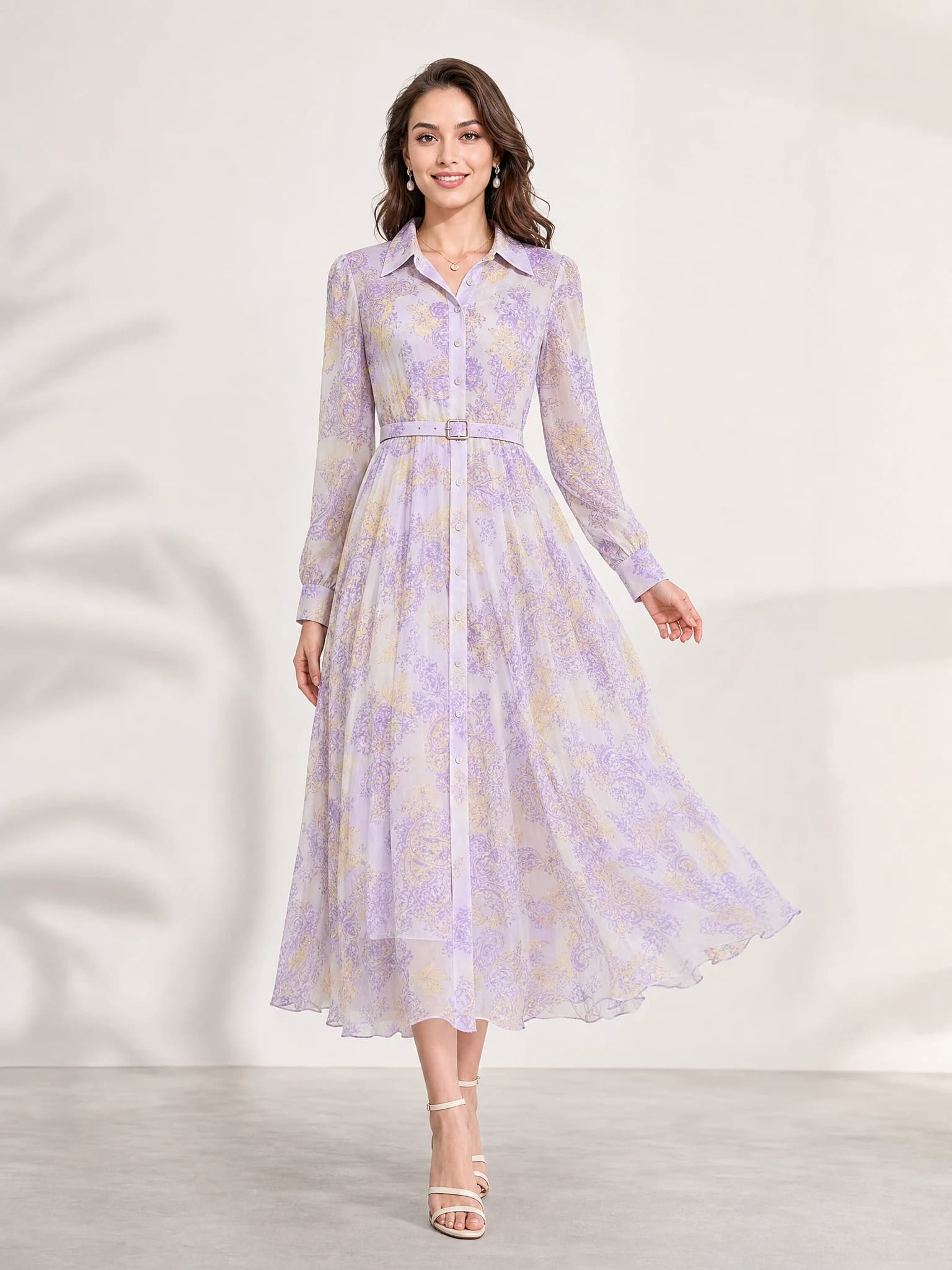
Listing-ready visual
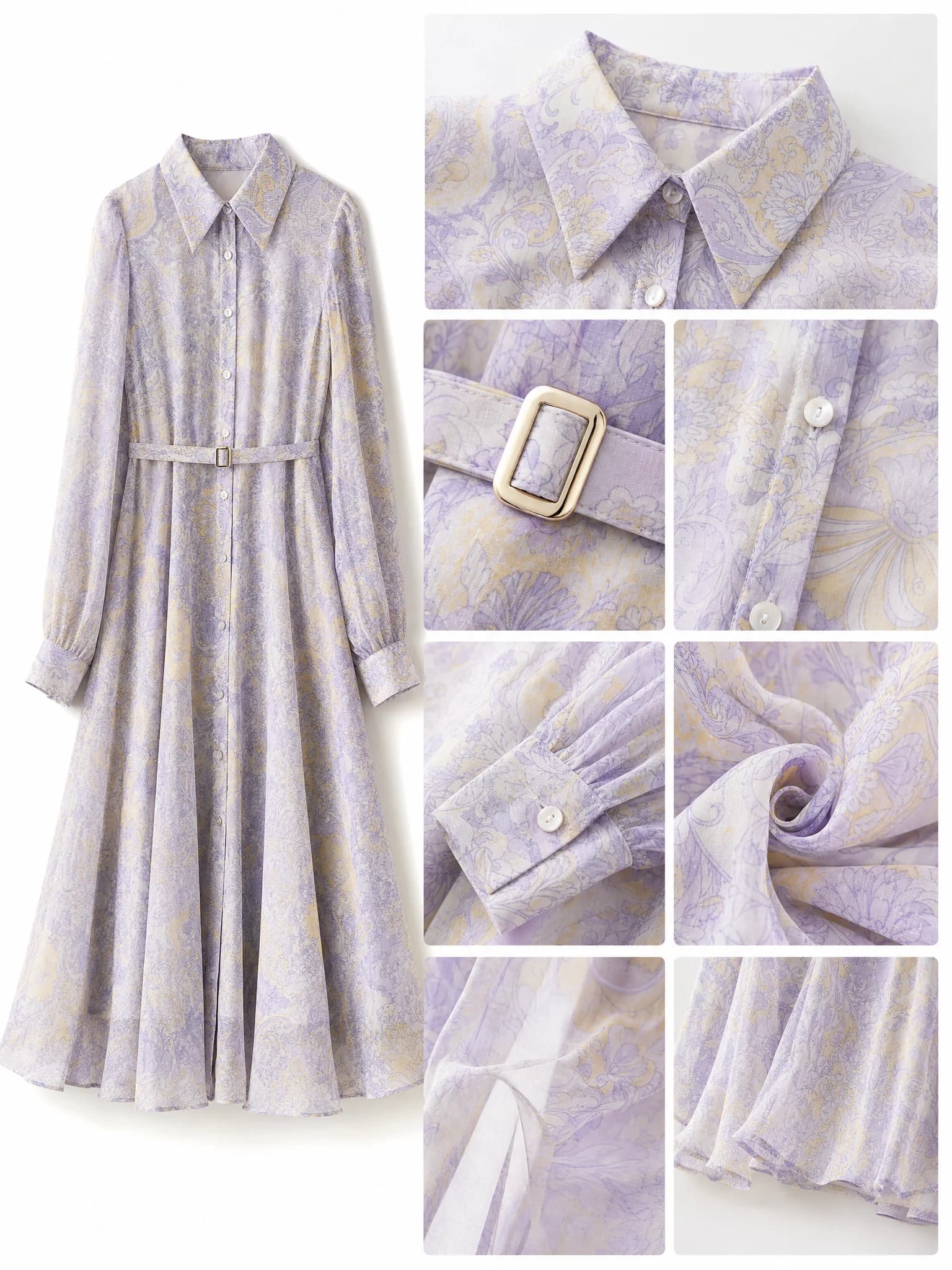
Feature-support image
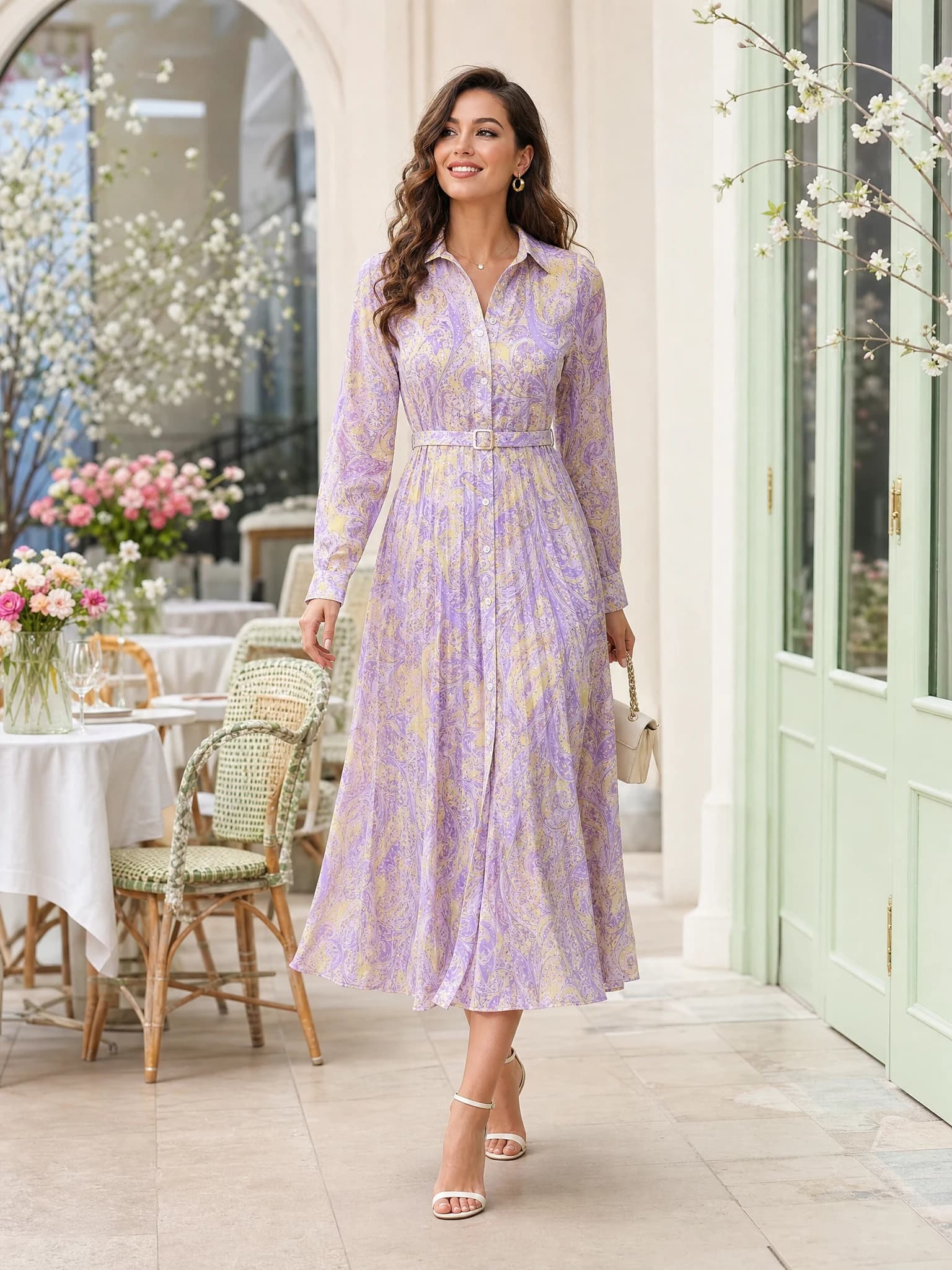
Lifestyle variation
Quick answer: a product detail page image generator helps ecommerce sellers create PDP visuals that explain benefits, materials, scale, use cases, and brand mood from one product image or brief.
What is a product detail page image generator?
A product detail page image generator is an AI workflow that creates visuals for an ecommerce product page. Instead of only making one listing image, it helps sellers build the supporting images that explain why the product is useful, what it looks like in context, and what makes it different.
These images are often called PDP images, detail-page visuals, benefit images, feature images, or product-page assets. The goal is simple: make the product easier to understand before a shopper decides whether to buy.
Input
Start from a clear product image, product description, target buyer, and page goal.
Output
Generate benefit visuals, lifestyle scenes, material closeups, comparison images, and banner-style product sections.
Review
Check product accuracy, claims, text, colors, and marketplace rules before publishing.
Why product detail page images matter
A product page needs more than a clean main image. The main image shows the item; detail-page images explain the reason to care. They can show the product in use, highlight material, describe size, show a bundle, or turn a feature into a simple visual idea.
For ecommerce teams, this matters because many shoppers scan images before they read long copy. A good detail-page image set should answer common questions visually and reduce the amount of explanation needed in the page text.
Clarify benefits
Turn features such as material, comfort, battery life, fit, or capacity into visual sections.
Show context
Place the product in a realistic scene so the buyer can imagine use, size, and mood.
Support decisions
Use comparison, closeup, and bundle images to help shoppers understand the offer faster.
Product detail page image types to create first
The best starting point is a small image set. You do not need every possible format on day one. Start with the images that explain the biggest buying questions for your product.
For most ecommerce pages, the useful set includes one benefit visual, one lifestyle scene, one detail or material image, and one page banner or comparison image.
Benefit visual
A clean image that explains the main selling point without making the layout feel crowded.
Lifestyle scene
A product-in-use image that shows where the product belongs and who it is for.
Detail closeup
A close image for texture, finish, stitching, ingredients, mechanism, or product construction.
Comparison or banner
A wider image that helps compare use cases, show scale, or introduce a product section.
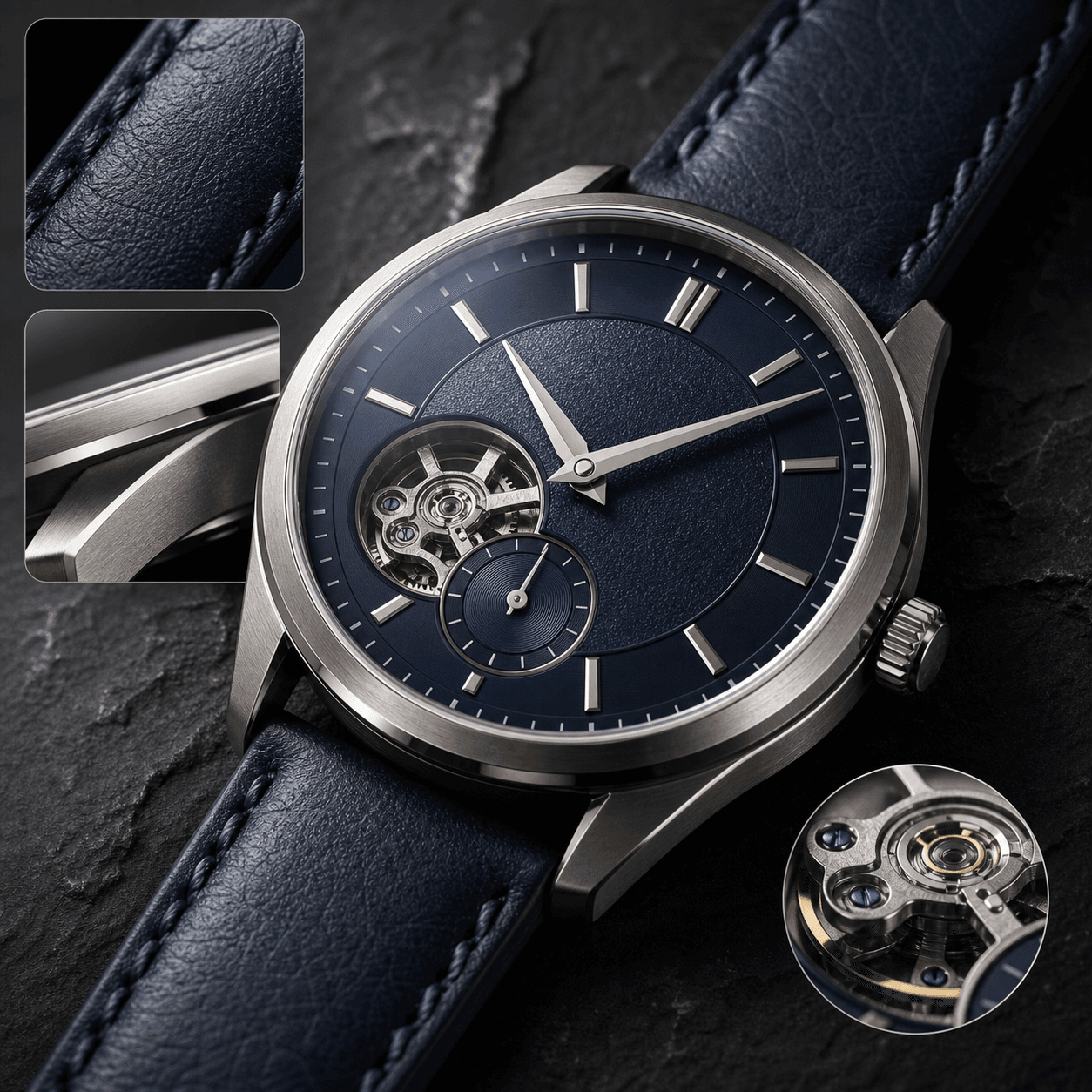
Feature-benefit visual
Use this to explain the main product advantage in a scannable product-page section.
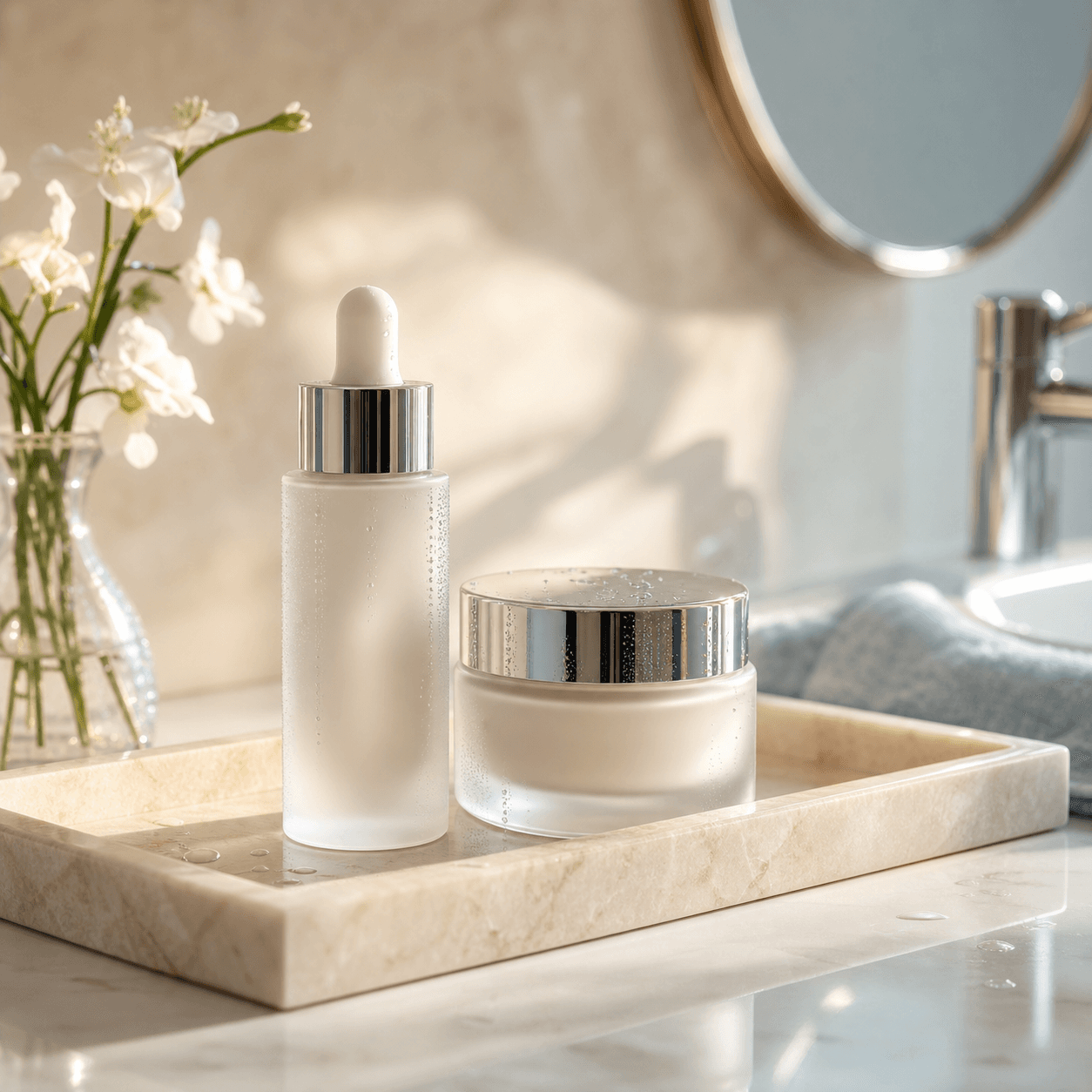
Lifestyle page scene
Use this to show the product in a realistic scene and give shoppers more context.
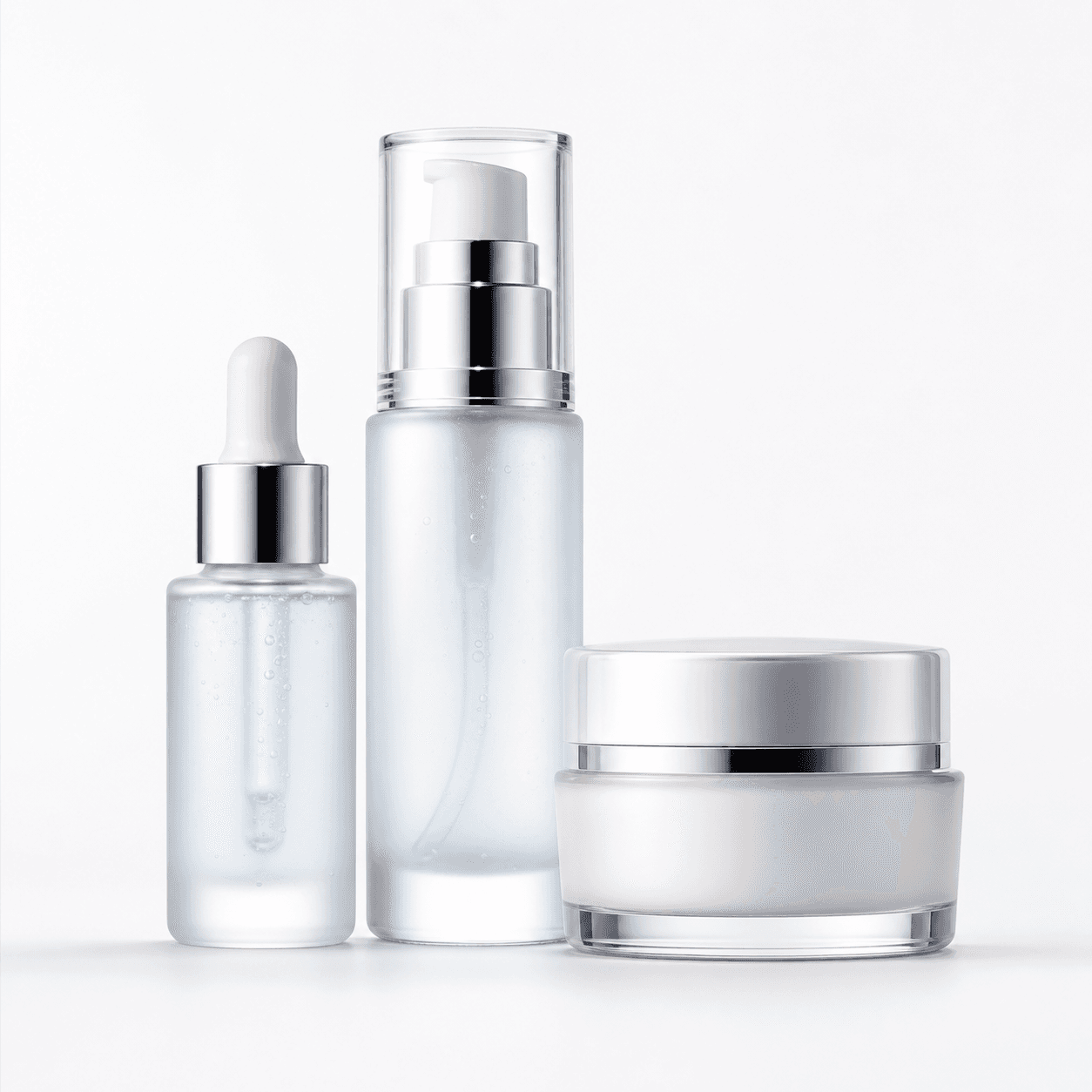
Clean main image support
Use this as the product source before creating richer PDP images and page banners.
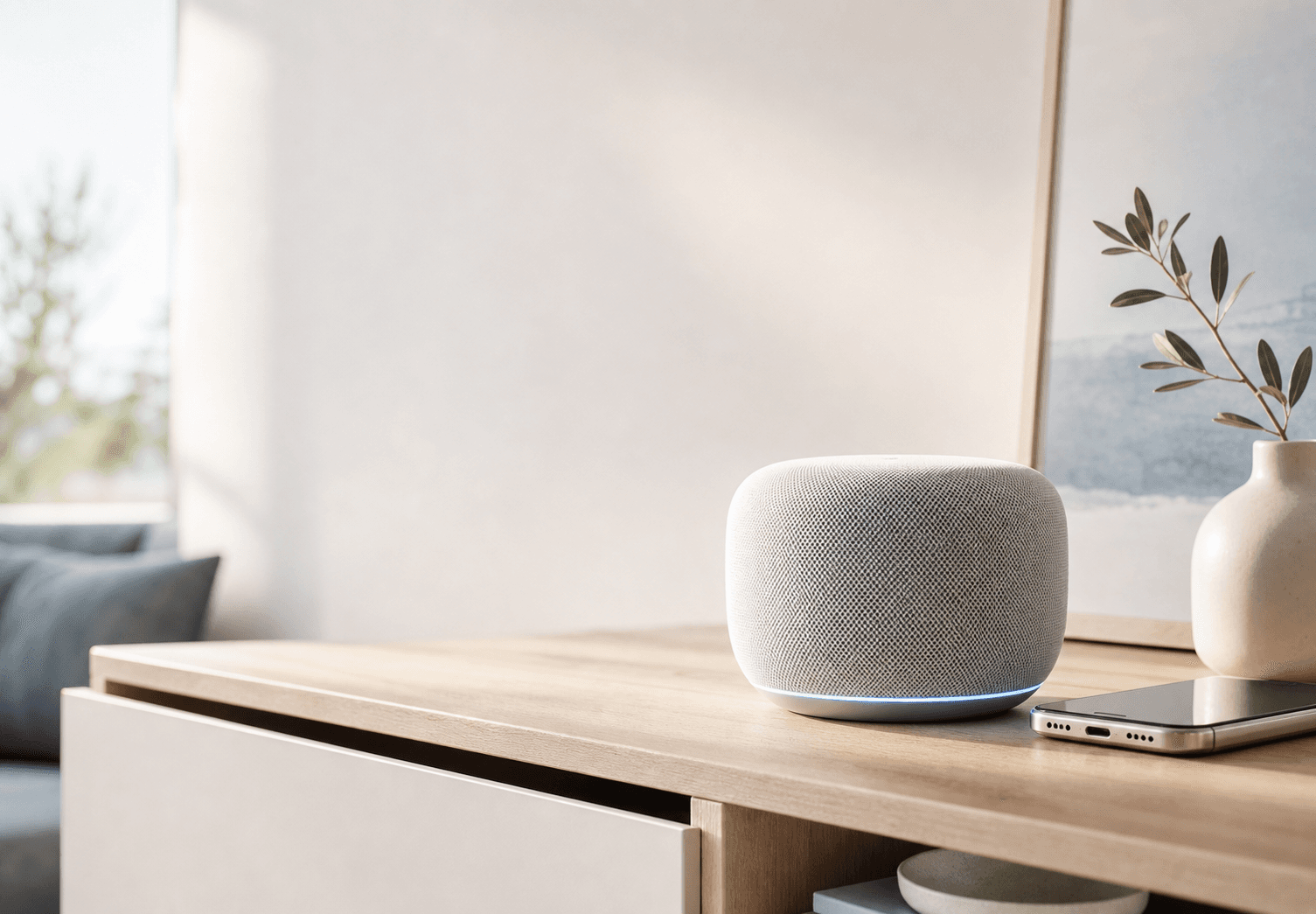
Page banner or campaign section
Use this for product-page hero sections, collection launches, and store campaign blocks.
How to use AI for product detail page images
AI works best when the product and the page goal are clear. A vague prompt such as "make this better" gives the model too much room. A practical prompt should name the product, detail-page image type, buyer, background, lighting, and the message the image should communicate.
For example, a skincare product page might need a texture closeup, a bathroom lifestyle scene, a routine-step visual, and a premium page banner. A desk lamp page might need a workspace scene, a feature-benefit visual, a size reference, and a warm home-office banner.
1. Define the section
Decide whether the image supports a benefit, feature, material, lifestyle, comparison, or banner section.
2. Keep the product central
Ask the AI to preserve product shape, color, material, label, and key details.
3. Match the page style
Use clean ecommerce lighting and avoid unrelated props, text, logos, or extra products unless needed.
4. Review the output
Check every AI image before publishing, especially if it shows claims, measurements, labels, or regulated details.
Product detail page image prompt template
Use this simple template when you need a product detail page image generator to create a specific PDP asset.
Prompt template: Create a [image type] for a [product name] product detail page. Show [main benefit or feature]. Keep the product accurate, preserve [material/color/label/details], use [background or scene], clean ecommerce lighting, premium composition, no unrelated text, no extra products.
Create product detail page images with Aurivis
Aurivis is built for ecommerce image production, so you can start with one product image and create a set of product-page visuals without rebuilding every shot manually.
Open the AI product photo workflow, upload the product image, describe the detail-page section you need, generate several options, and keep the images that explain the product most clearly.
Start with a clear product
Use a source image where the product edges, shape, color, and key details are visible.
Choose the page asset
Generate a benefit visual, lifestyle scene, detail closeup, banner, or social commerce variant.
Build a reusable set
Keep a consistent page style so the product page feels organized instead of patched together.
FAQ about product detail page image generators
What is a product detail page image generator?
It is an AI tool or workflow that creates product-page visuals such as benefit images, lifestyle scenes, detail closeups, comparison visuals, and banners from a product image or brief.
What images should I create for a product detail page first?
Start with one main benefit visual, one lifestyle scene, one material or detail closeup, and one comparison or banner image. This gives the page enough visual support without overcomplicating the set.
Can AI create product detail images for Amazon or Shopify?
AI can help create product-page image concepts for Amazon-style listings, Shopify product pages, and ecommerce landing pages. Always review marketplace and brand requirements before publishing.
Should product detail page images include text?
Text can help explain benefits, but it should be added carefully and checked before publishing. If the AI adds text by itself, review spelling, claims, and layout closely.
How do I keep AI product detail images accurate?
Use a clear product source image, ask the AI to preserve product identity, and manually check color, label, shape, materials, and any visible claims before using the image.
Create product detail page images with Aurivis
Use Aurivis to turn one product image into detail-page visuals, lifestyle scenes, ad creatives, and social commerce images for ecommerce launches.