
shopify product image generator
Shopify Product Image Generator: Build a Better Storefront From One Product Photo
A practical guide for Shopify sellers who want stronger product-page images, cleaner collection banners, and a more consistent storefront image set.
Published 2026-07-08 / 6 min read
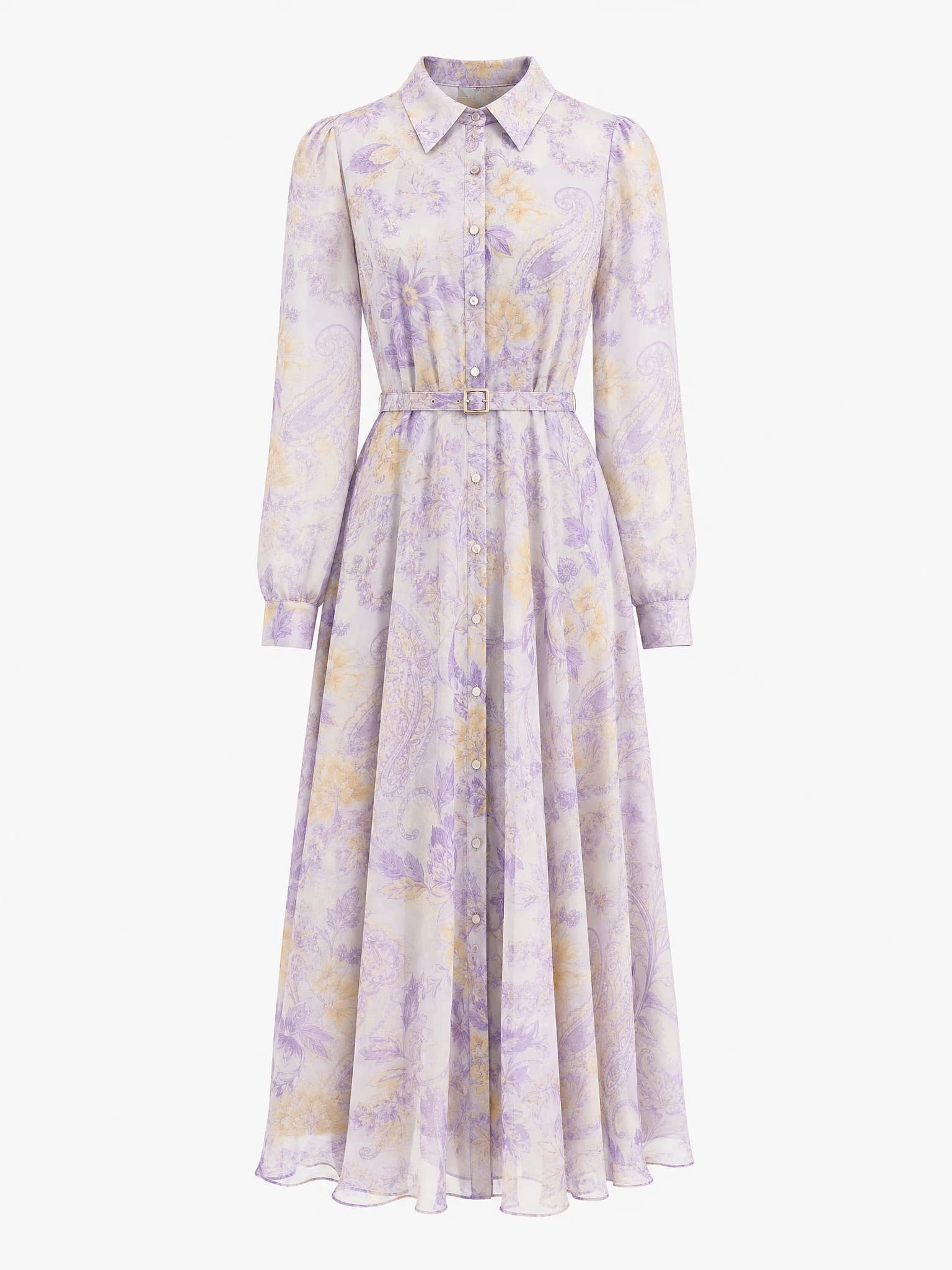
Clean product image
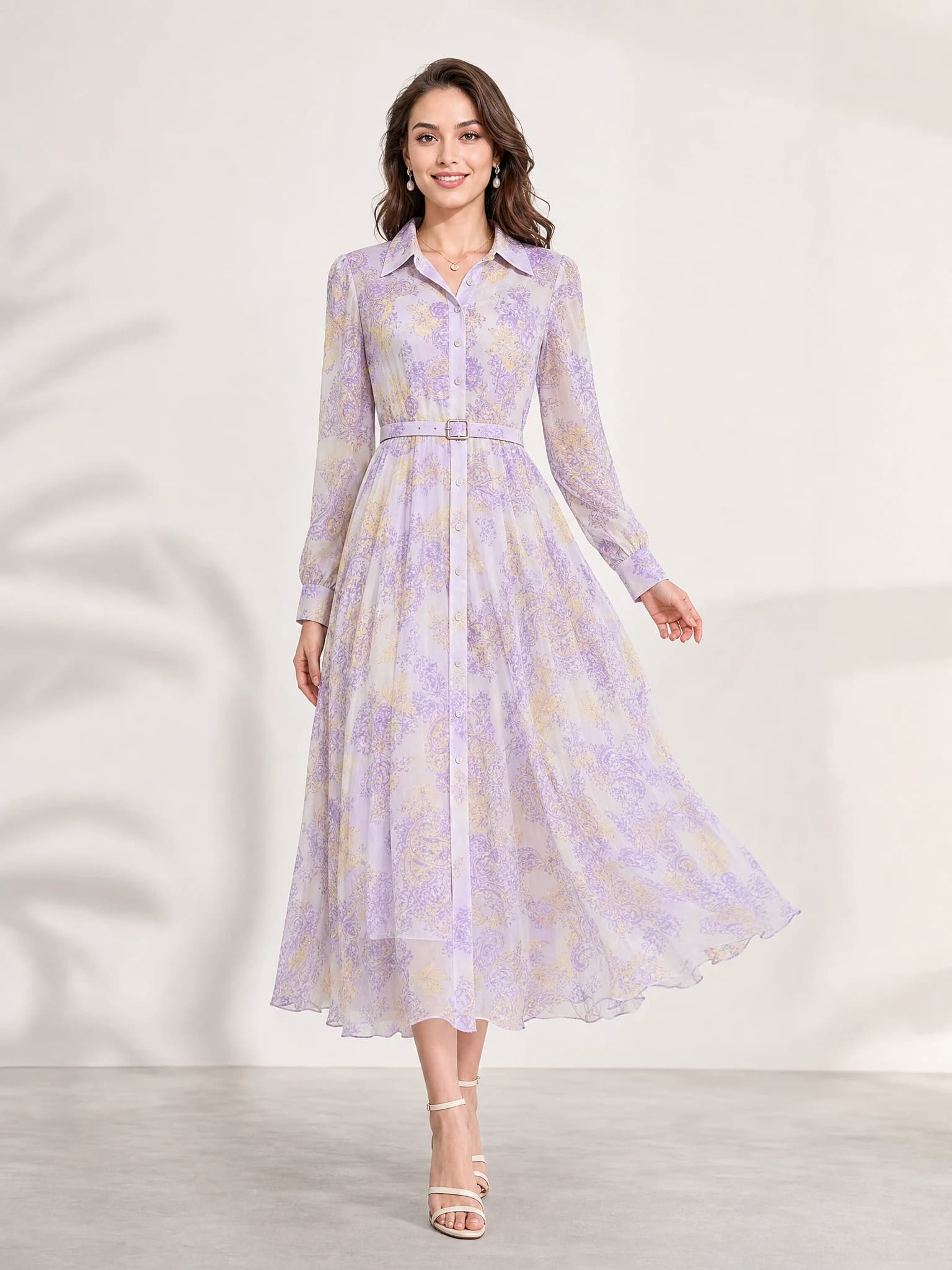
Listing-ready visual
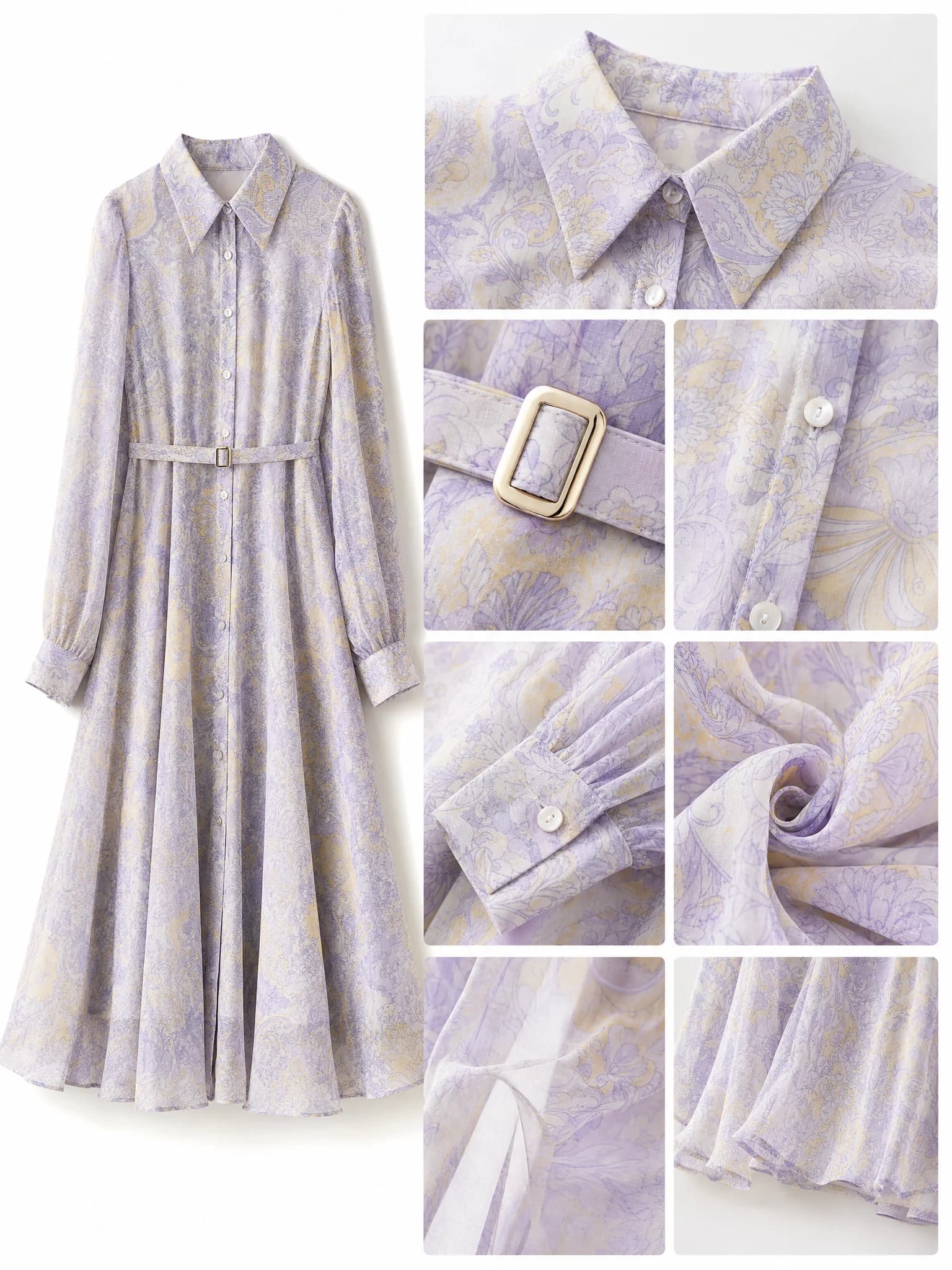
Feature-support image
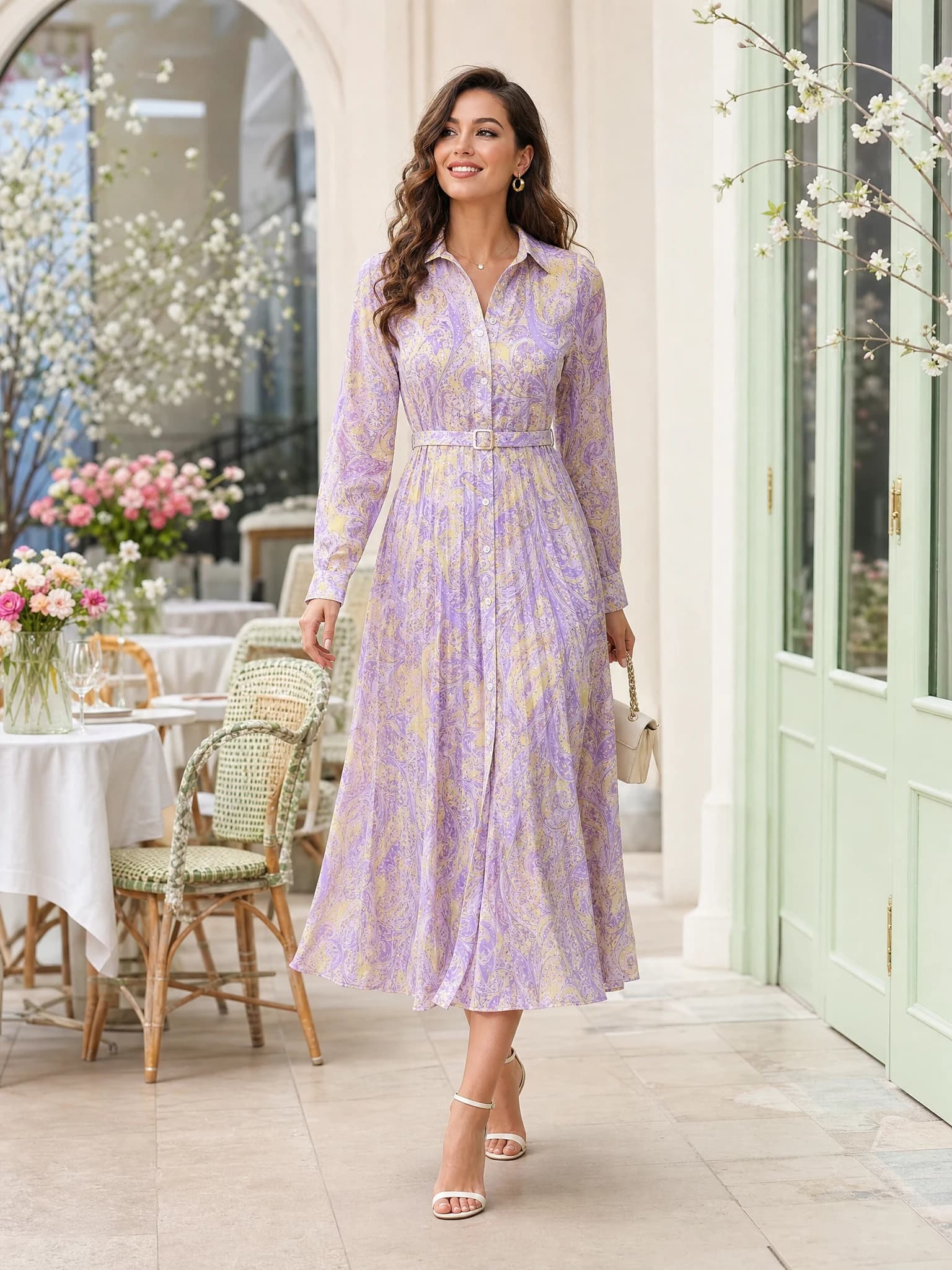
Lifestyle variation
Quick answer: a Shopify product image generator helps sellers create product-page heroes, collection banners, and supporting store visuals from one product photo.
What Shopify sellers need beyond the main image
A Shopify store usually needs more than one clean product photo. The storefront also needs a product-page hero, collection support, and image variations that make the store feel consistent instead of stitched together.
That is why a Shopify product image generator should help you build a small visual system, not just one isolated image.
Product-page hero
Use a strong hero image to make the product page feel more premium and more complete.
Collection support
Create visuals that help category pages, launches, and promotions feel more intentional.
Store consistency
Keep the same product readable while the format changes across banners, sections, and product pages.
Which Shopify product images to create first
The most useful Shopify image set usually starts with one product-page hero, one detail or feature visual, one collection or homepage banner, and one ad or social variation.
That mix supports the product page, the storefront, and the traffic sources that bring shoppers back to the store.
PDP hero image
Use this to give the product page a stronger first impression than a plain catalog image alone.
Detail or feature visual
Use this to explain materials, ingredients, fit, or usage on the product page.
Banner or launch image
Use this to support collection pages, new drops, promotions, or homepage sections.
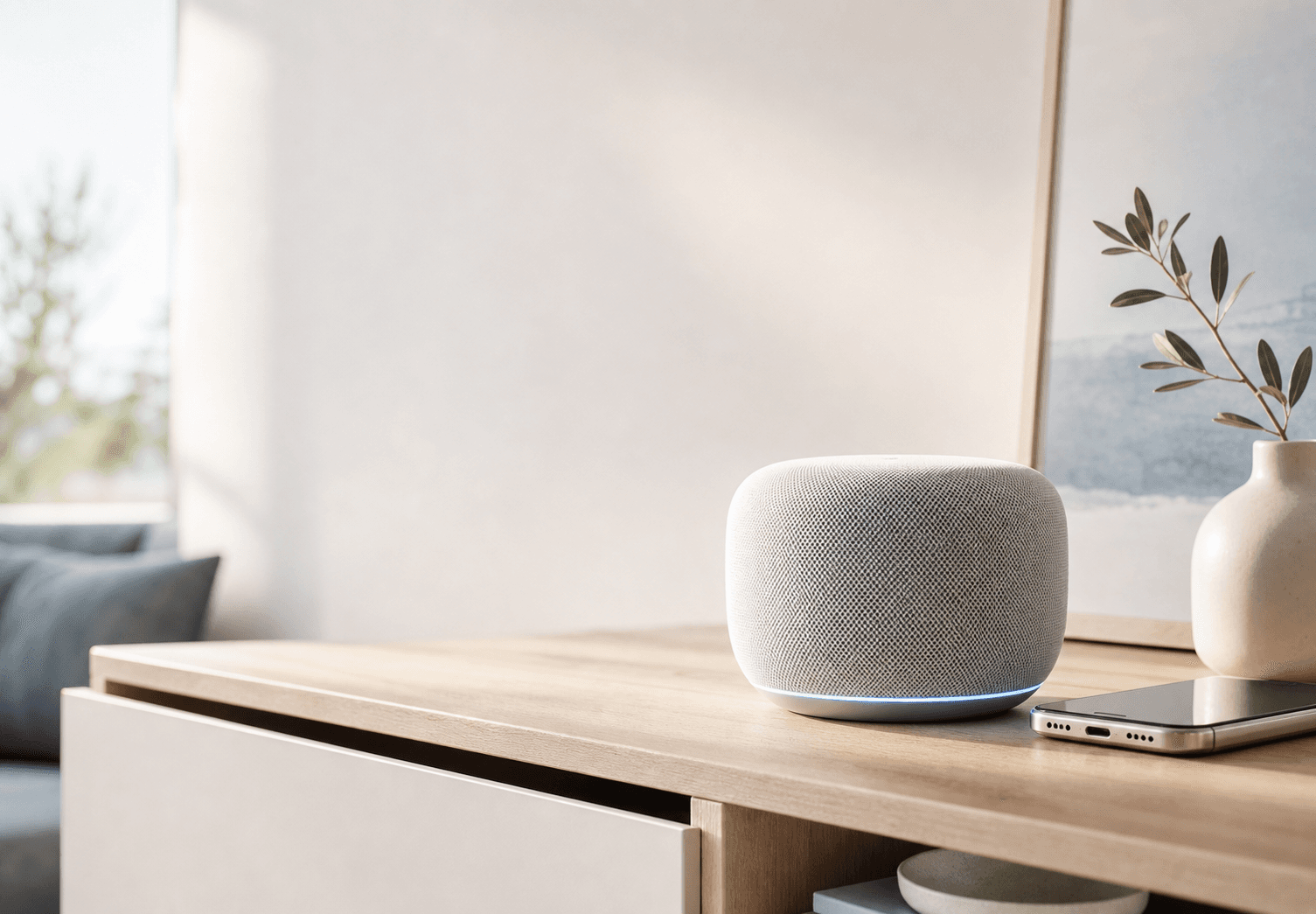
Product-page hero
Use this to give a Shopify product page a stronger first visual block.
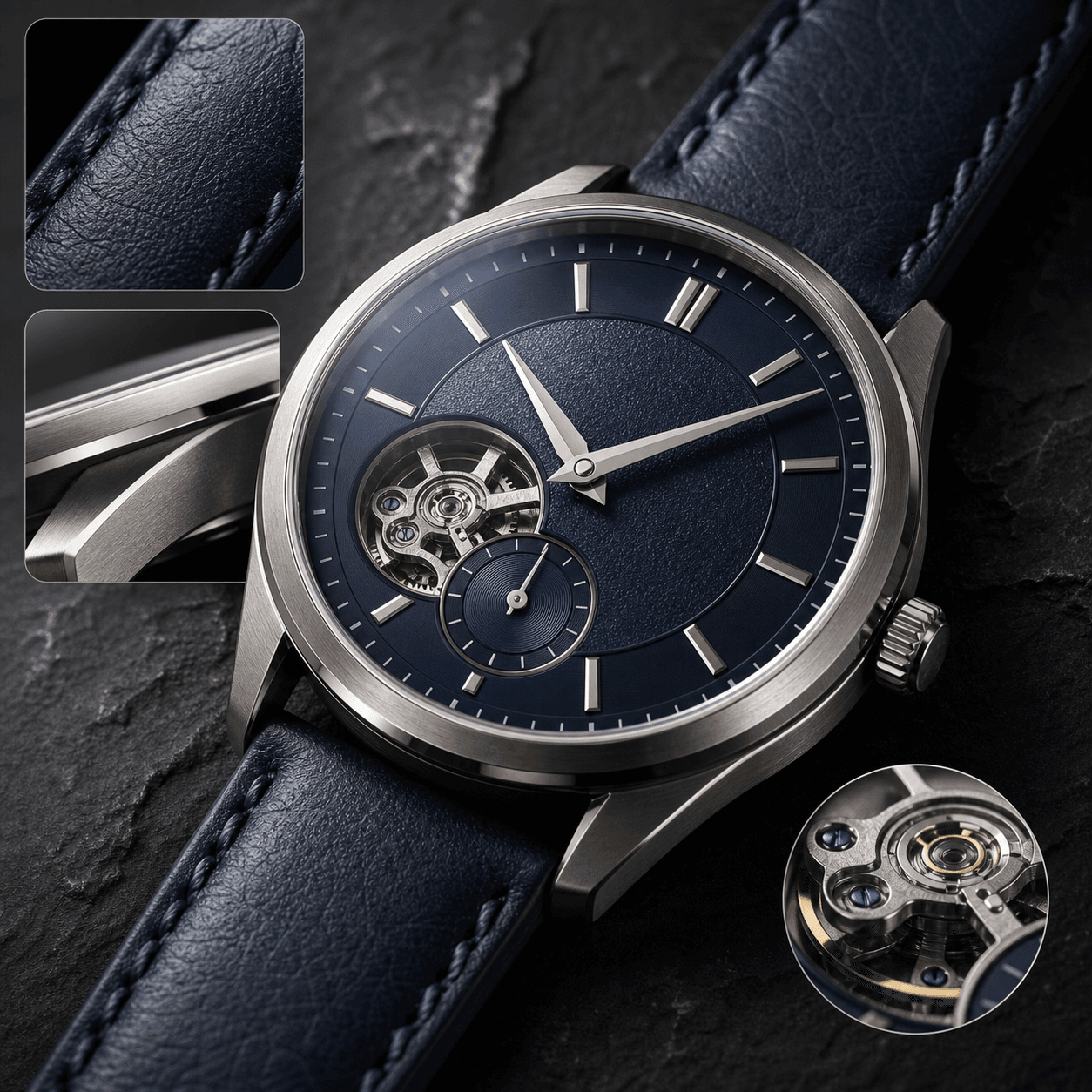
Feature-support visual
Use this to explain benefits, material, ingredients, or product details on the page.
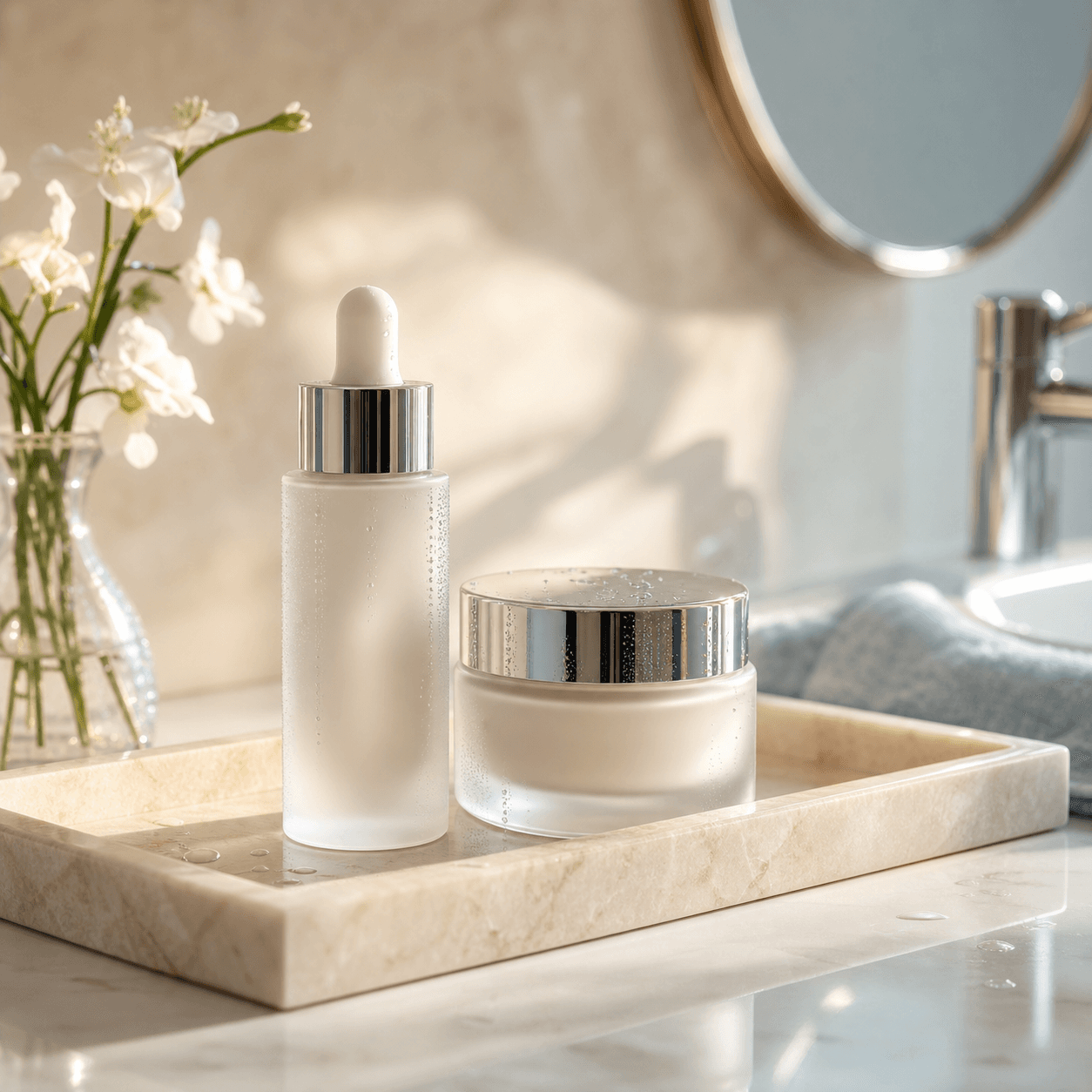
Premium product scene
Use this when the store needs a richer brand feel around the product.
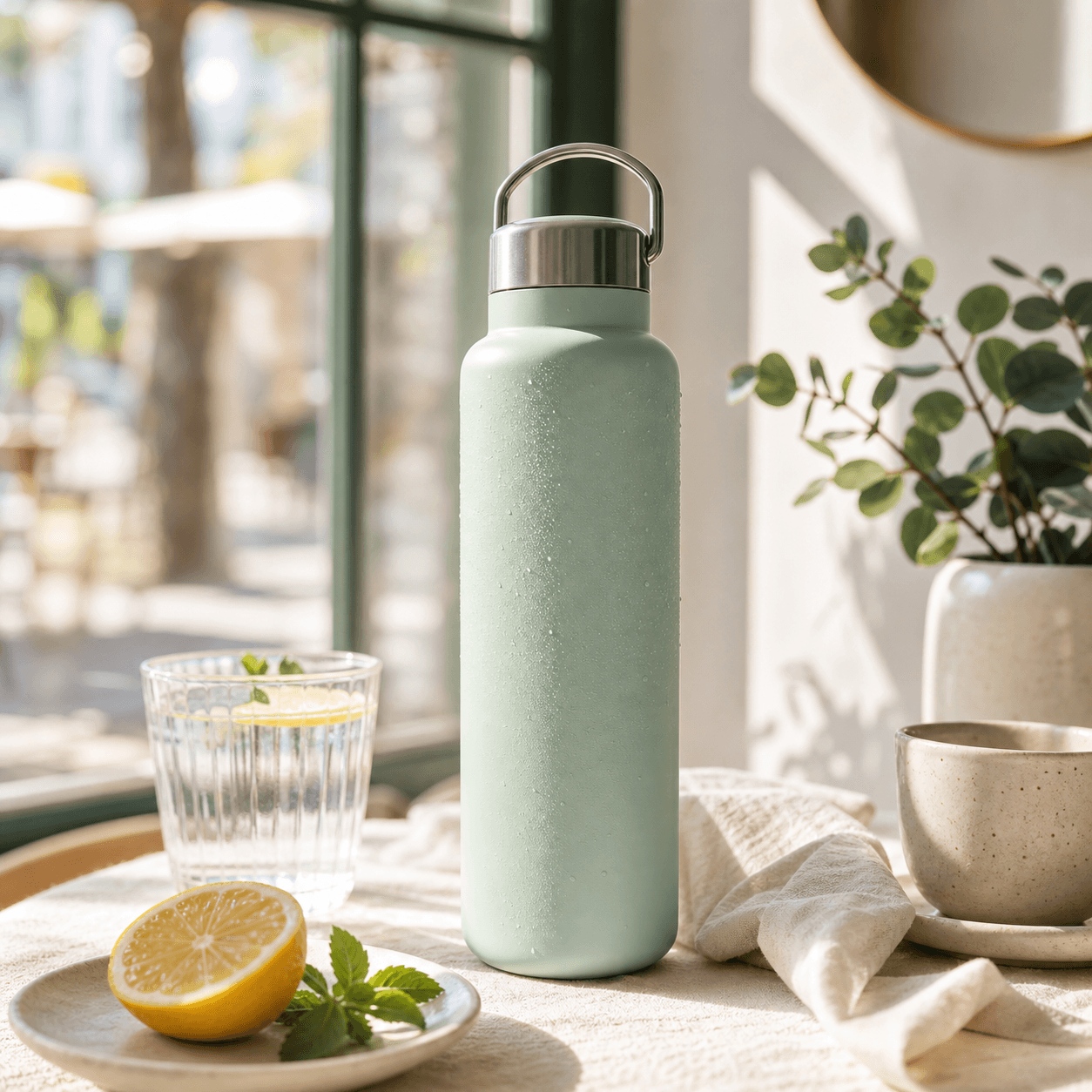
Social or launch extension
Use this to carry the same product direction into launch, social, or ad testing.
How to keep Shopify visuals consistent
A Shopify store looks weaker when every image feels like it belongs to a different campaign. The goal is not maximum variety. The goal is a consistent product system that still feels fresh across formats.
Keep the product central, reuse the same visual direction, and judge the image as part of the full storefront instead of as a single asset.
Start from one product truth
Preserve the same product identity so every image still feels like the same item.
Reuse one visual direction
Keep lighting, color mood, and composition aligned across the store.
Review in storefront context
Check whether the image works with the rest of the product page, collection page, or homepage.
Create Shopify product images with Aurivis
Aurivis helps you start with one product image and turn it into a more complete Shopify visual set without rebuilding every product-page section from zero.
Open the Shopify product image generator, upload the product, choose the page or banner type you need, generate several options, and keep the versions that fit the store most cleanly.
FAQ about Shopify product image generators
What is a Shopify product image generator?
It is an AI workflow that helps sellers create Shopify product-page images, collection banners, and supporting store visuals from one product photo or brief.
What should I create first for a Shopify store?
Start with one product-page hero image, then add one detail or feature visual and one banner or collection support image.
Why do Shopify stores need more than one product image?
Because the storefront includes product pages, collection pages, homepage sections, launches, and traffic channels. One image rarely serves every surface well.
How do I keep Shopify product visuals consistent?
Start from one clear product source, preserve the same product identity, and reuse a consistent lighting and composition direction across the store.
Create Shopify product images with Aurivis
Open the Shopify product image generator on Aurivis to create product-page visuals, storefront banners, and launch-ready image sets from one source photo.