
ai product photo generator
What Is an AI Product Photo Generator?
A practical guide to AI product photo generators, how AI product photography works, and when ecommerce sellers should use it.
Published 2026-06-08 / 6 min read
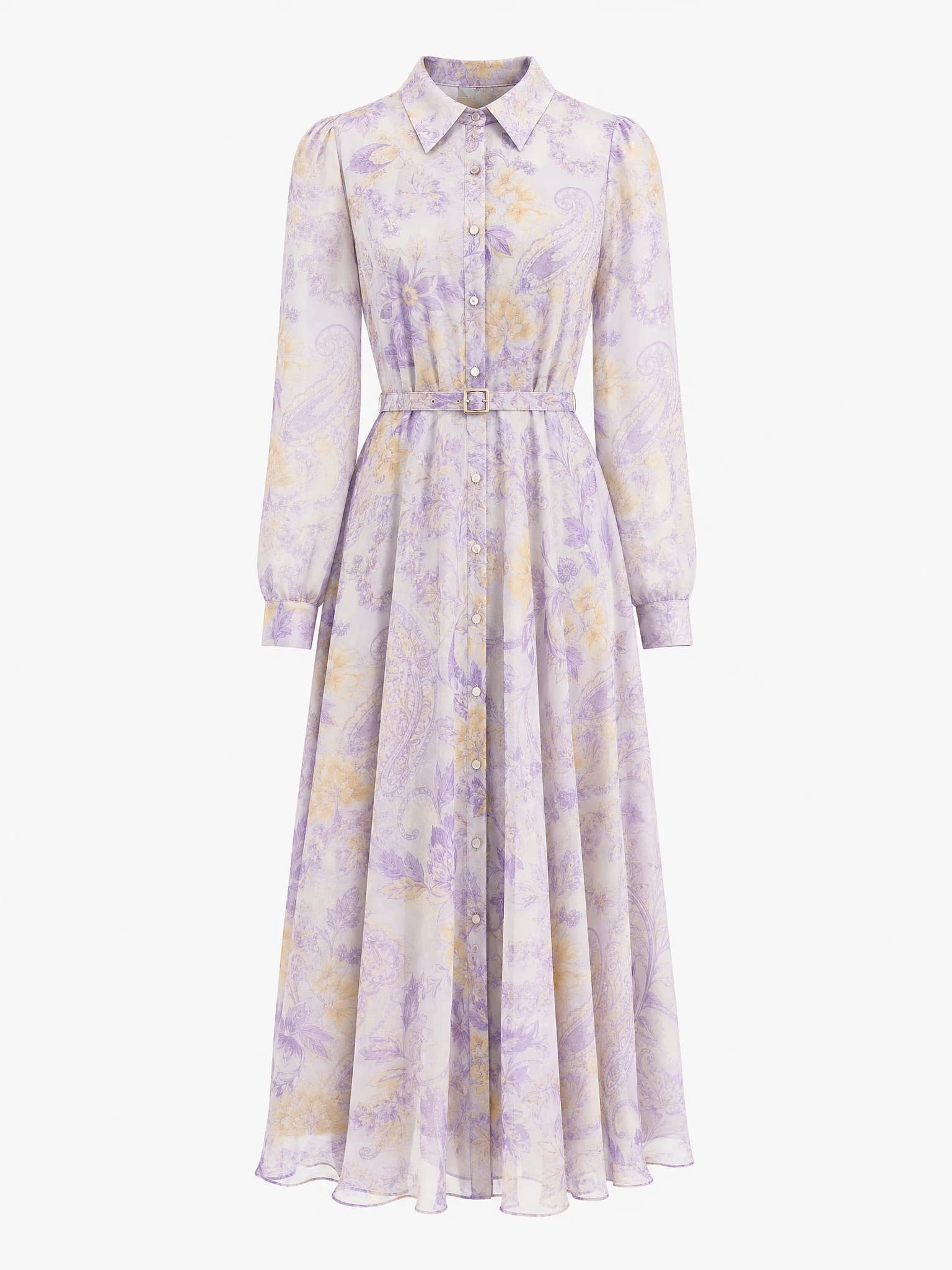
Clean product image
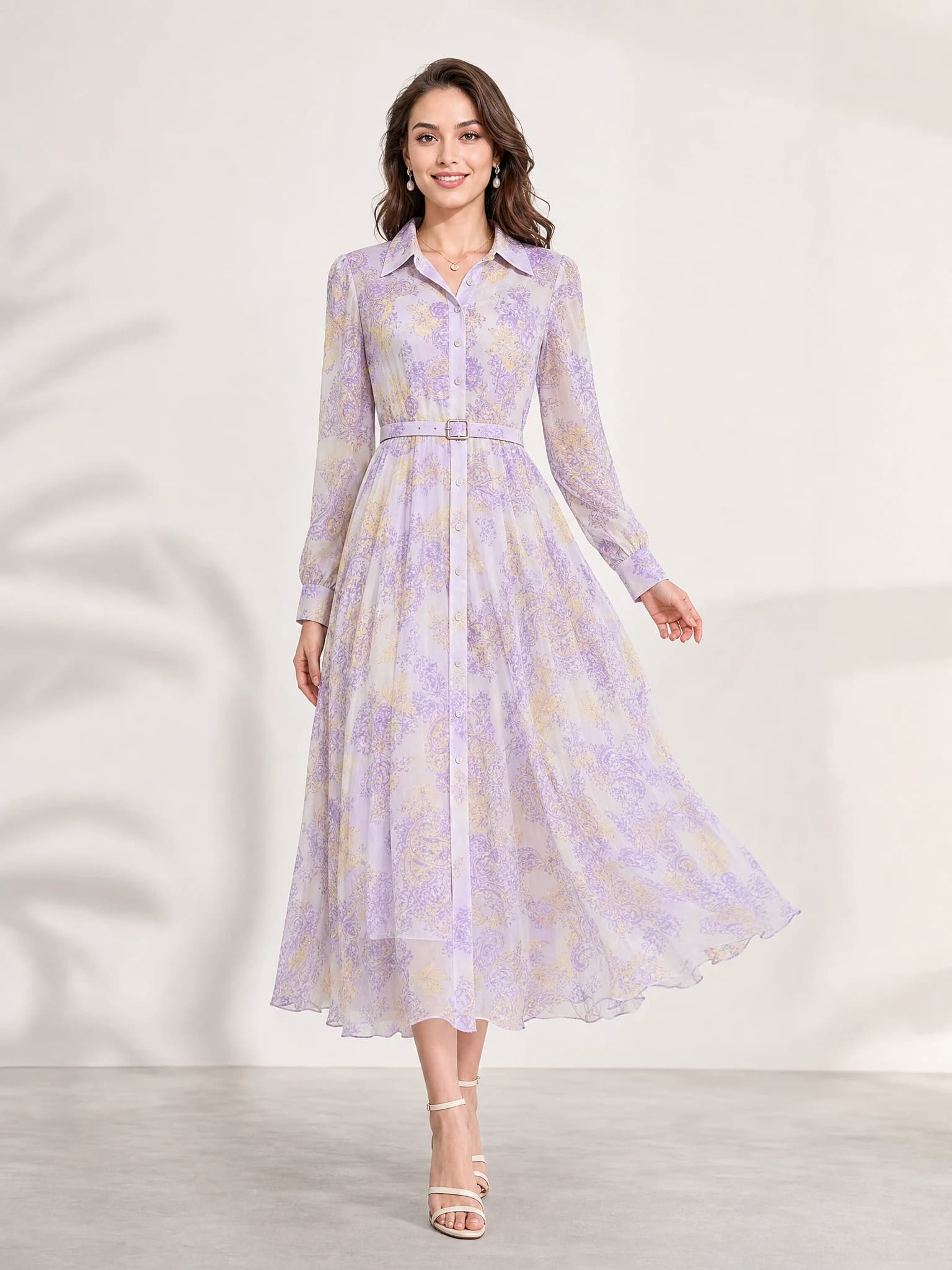
Listing-ready visual
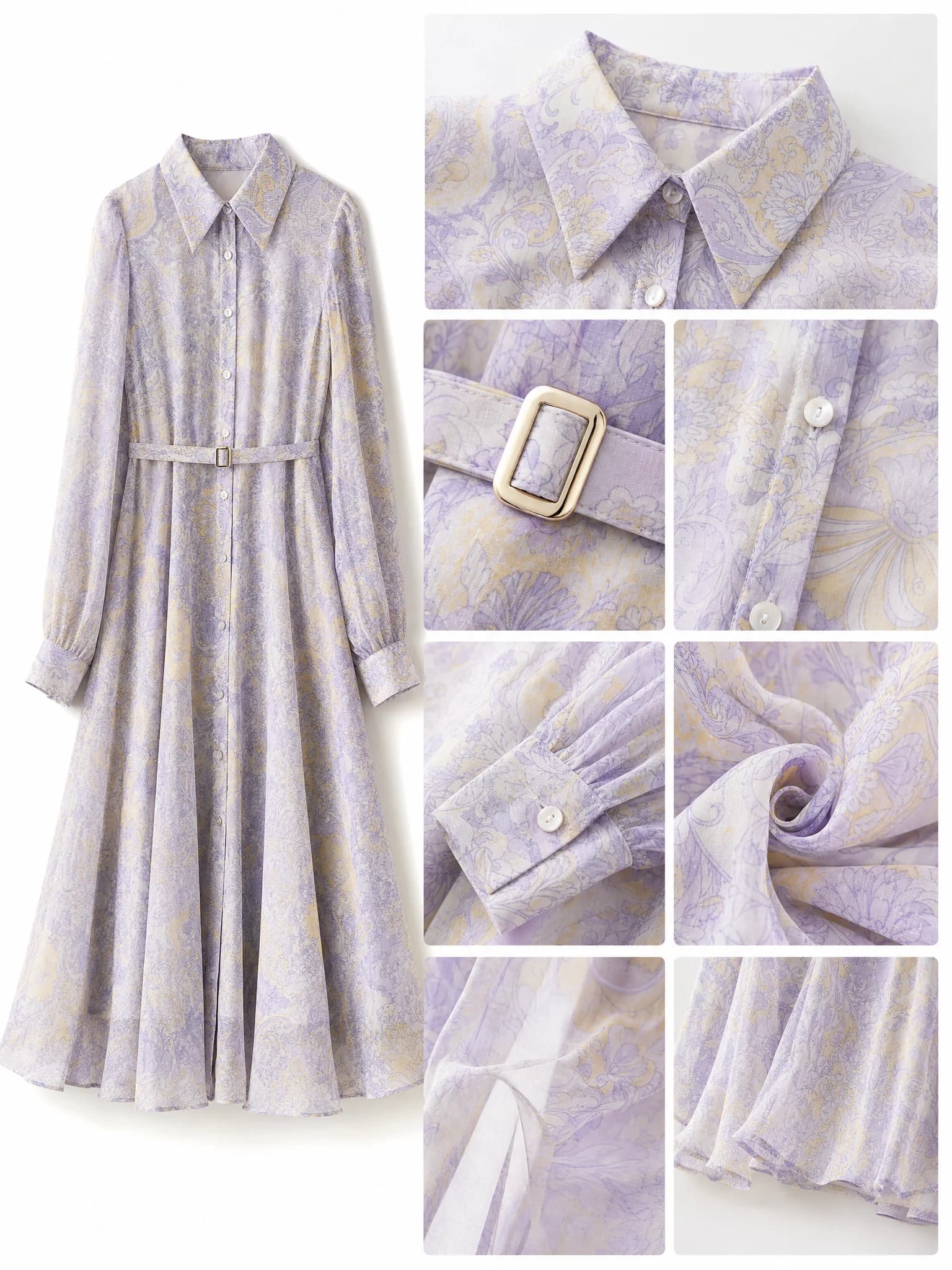
Feature-support image
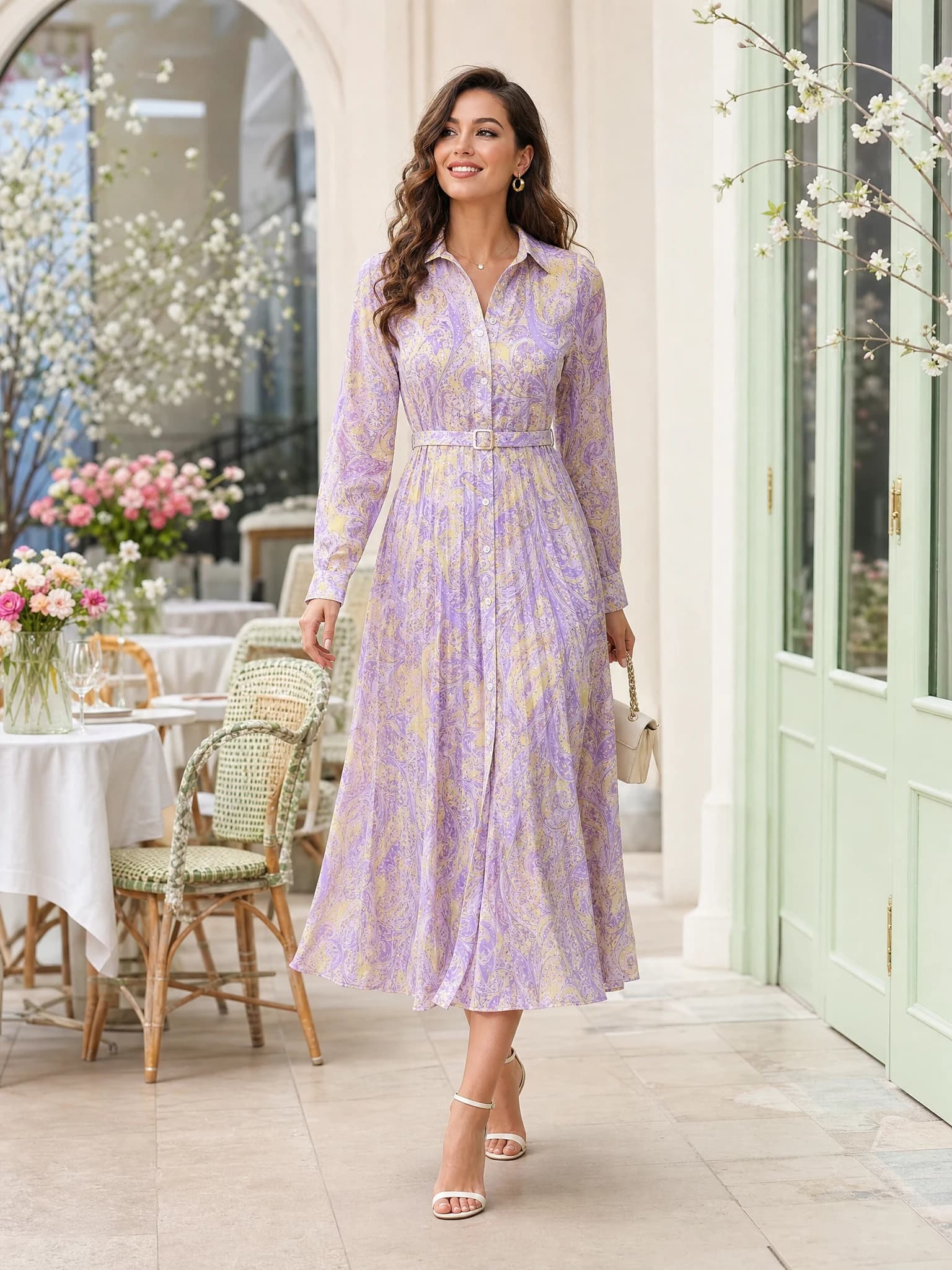
Lifestyle variation
Quick answer: an AI product photo generator helps ecommerce sellers turn one product image into AI product photos for listings, ads, banners, and social posts.
What does an AI product photo generator do?
An AI product photo generator is a tool that turns a product image or short product brief into usable product visuals. Instead of setting up a full shoot for every channel, a seller can create a clean main image, a lifestyle scene, an ad creative, a banner, or a social post from one starting point.
The goal is practical output, not just a pretty concept. A good product photo generator should help you create images that match how ecommerce teams actually sell: marketplace listings, product pages, paid ads, email campaigns, and social commerce.
Input
Upload a product image or describe the product, material, buyer, and channel.
Direction
Choose the image type, such as white-background listing image, premium scene, banner, or ad creative.
Output
Generate AI product photos that can be reviewed, edited, downloaded, and tested.
How AI product photography works
AI product photography starts with a clear subject and a clear commercial goal. The AI needs to understand what the product is, what should stay accurate, and where the image will be used.
For example, a skincare brand might start with one bottle image, then ask for a white-background ecommerce shot, a bathroom lifestyle scene, a launch ad, and an Instagram square. The same product stays central, while the background, lighting, crop, and mood change for each selling use case.
Start with the product
Use a clear image where shape, label, material, and edges are easy to read.
Add the selling context
Tell the AI whether the image is for a listing, product page, ad, banner, or social post.
Generate variations
Create several options so you can compare background, lighting, angle, and composition.
Review before publishing
Check product accuracy, brand fit, image quality, and marketplace requirements.
When to use product photography AI
Product photography AI is useful when speed, variation, and cost control matter. It helps small sellers test image angles before investing in a full studio shoot, and it helps lean teams keep up with new campaigns without rebuilding every visual from scratch.
It is especially helpful for early listing tests, ad creative tests, seasonal campaigns, social posts, and store banners. For final hero assets, packaging details, or regulated categories, you should still review every AI product photo carefully before publishing.
Use it for testing
Create multiple backgrounds and creative angles before deciding which direction deserves more budget.
Use it for channel formats
Turn one product into square posts, horizontal banners, ad creatives, and product-page visuals.
Use it for refreshes
Create new visual themes for holidays, launches, and promotions without a new shoot each time.
AI product photo examples for ecommerce
A strong AI product photo set usually covers more than one image. Small sellers often need a clean marketplace image first, then supporting visuals that show mood, use case, and campaign context.
The examples below show common ecommerce outputs an AI product photo workflow can create from one product direction.
White-background listing image
Use this for marketplace listings and product pages where the product needs to be clear first.
Premium product scene
Use this when you need a richer brand mood for a landing page, campaign, or product detail area.
Ad creative
Use this to test paid social angles, launch visuals, and direct-response product ads.
Store banner
Use this for homepage sections, Shopify banners, collection launches, and seasonal promotions.
How to create AI product photos with Aurivis
Aurivis is built around ecommerce image production, so the workflow starts from the asset you need instead of forcing you to write a perfect prompt from zero.
Open the AI product photo generator, upload a product photo or describe the product, choose the selling format, generate several AI product photos, and keep the strongest versions for your listing, campaign, or store page.
1. Upload or describe the product
Start with the real item or a clear product brief.
2. Pick the ecommerce format
Choose a main image, product scene, ad creative, banner, social post, or detail-page visual.
3. Generate and compare
Create several outputs, then choose the version with the best product clarity and commercial fit.
4. Download or keep editing
Use the selected result directly, or refine it further in the workspace.
FAQ about AI product photo generators
What is an AI product photo generator?
An AI product photo generator is a tool that creates product images from a product photo or brief. It can help sellers make listing images, product scenes, ads, banners, and social posts faster.
Can AI product photography replace a studio shoot?
It can replace some early creative tests and routine ecommerce visuals, but final product accuracy still needs human review. For exact packaging, labels, colors, or regulated claims, check every output before publishing.
What is the difference between a product photo generator and a background remover?
A background remover cleans or cuts out the existing product image. A product photo generator can create new scenes, lighting, crops, banners, and ad-style visuals around the product.
Do I need a professional product image first?
A clear source image helps. You do not always need a full studio shot, but the product should be visible, sharp, and easy to identify.
Can I create AI product photos for ads and social posts?
Yes. AI product photos are useful for ad creatives, Instagram squares, ecommerce banners, launch visuals, and other channel-specific formats.
Create AI product photos with Aurivis
Start with one product image, generate ecommerce-ready visuals, and compare listing, ad, banner, and social formats before you spend more on production.